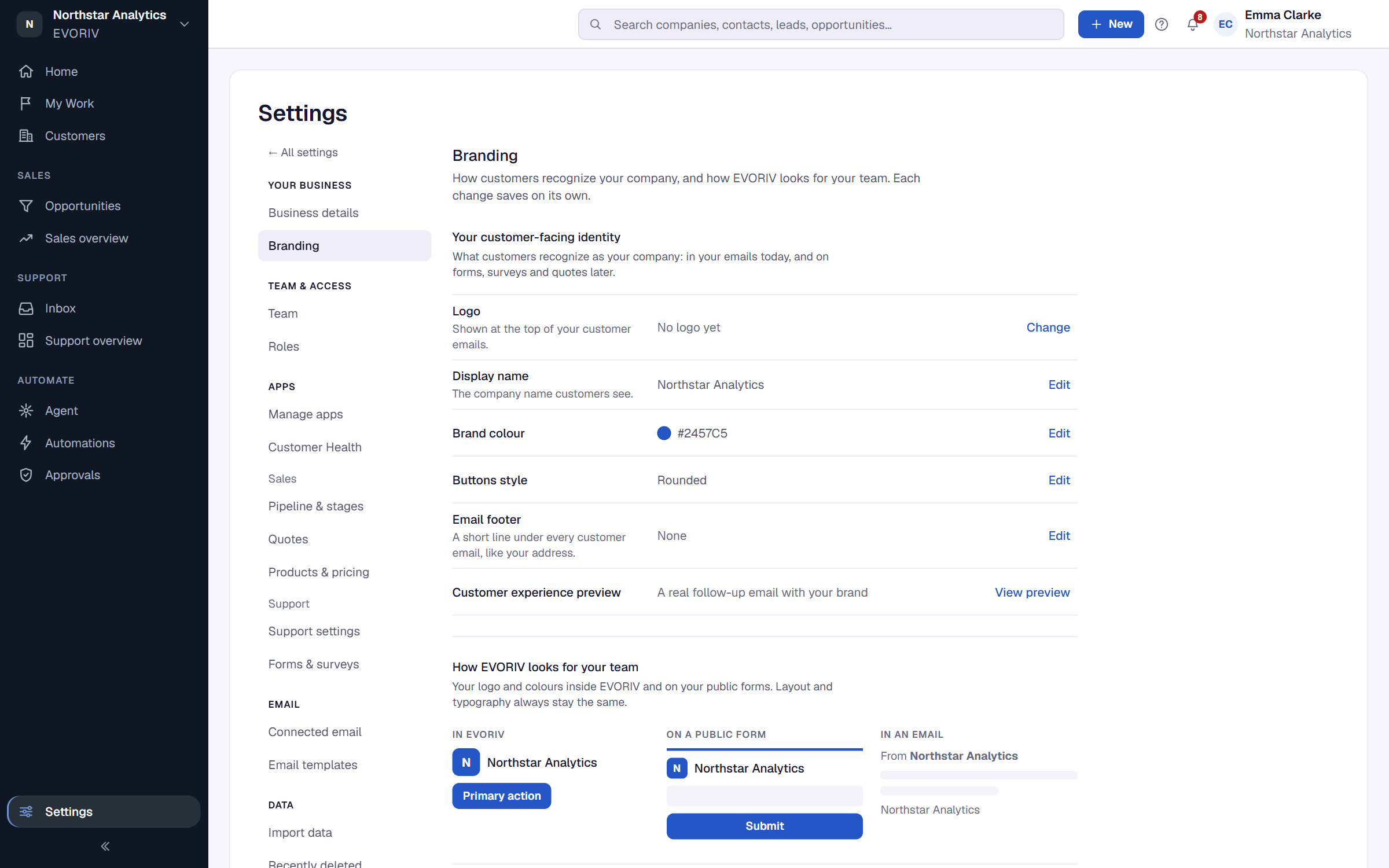
Workspace settings
Where every setting lives: workspace, branding, team, Apps, Sales, Support, email, automation, data import and billing.
Open Settings. It is organised by what you are changing. Workspace admins see every group; everyone else sees what applies to them, such as General, Branding and Email.
- Workspace: General, Branding, and for admins Team and Roles & access.
- Apps: Manage apps and Customer Health. Under Sales: Pipeline & stages, Quotes, Products & pricing and Fields & layouts. Under Support, when Support is added: Support settings.
- Communication: Email and Email templates.
- Automation & AI: Describe a change, and Connections when integrations are available to your workspace.
- Data: Import & data.
- Billing: Plan & billing.
Branding
Set your brand colour, theme, density and corner roundness. For the Logo, paste a link to your logo image; PNG or SVG works best. Uploading a file directly isn't available yet.