

My Work
Your inbox for everything that needs you: tasks, approvals and alerts.
My Work shows everything that needs you across EVORIV, in one list. Filter it by All, Tasks, Approvals or Alerts.
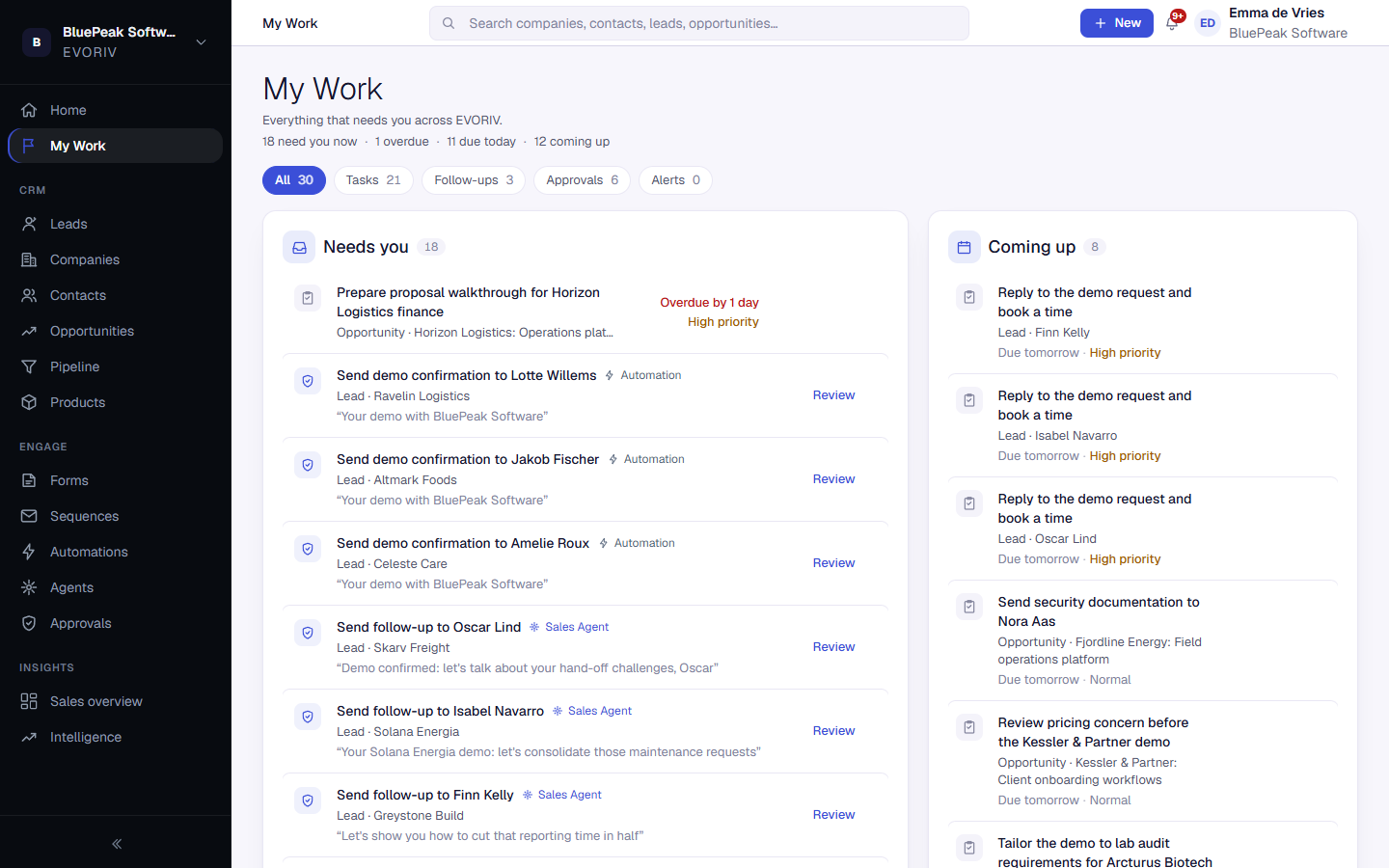
What you'll find
- Needs you: overdue tasks, tasks due today, approvals waiting for you and customer replies.
- Coming up: tasks due later.
- Recently completed: what was done, including approvals that were approved or declined.
Act on an item
- Complete a task straight from the list.
- Select Review on an approval to check it before anything is sent.
- Select Open run on a failed automation to see what went wrong.
- Select Open conversation on a customer reply.
When the list is empty, you're all caught up.