

Describe the change. Read the plan. Apply it.
Describe a change to your workspace in your own words, in English or Dutch. AI Builder turns it into a plan you read, with what it assumed and what it still needs to know. Nothing changes until an admin applies it.
No credit card
Why configure with AI Builder
No consultant, no ticket
Rename, add and rearrange in a sentence instead of a project.
Your business language
Call Companies Clients and Opportunities Projects, everywhere in the product.
Nothing happens by surprise
Every change is a plan you read first. Unsupported requests are named, never guessed.
The changes a growing business actually needs.
AI Builder works on the same configuration Studio and Settings show, so every change it makes is one you can see and adjust by hand later.
- Your words
- "Call Companies Clients" renames them everywhere, without touching the data
- Fields
- "Add a Contract end date to Clients and show it on the page"
- Your own records
- "Keep a list of Assets that belong to a Client"
- Pipeline
- "Add a Site visit stage" or rename a stage
- Pages
- Move or hide a section on a record page
- Automations
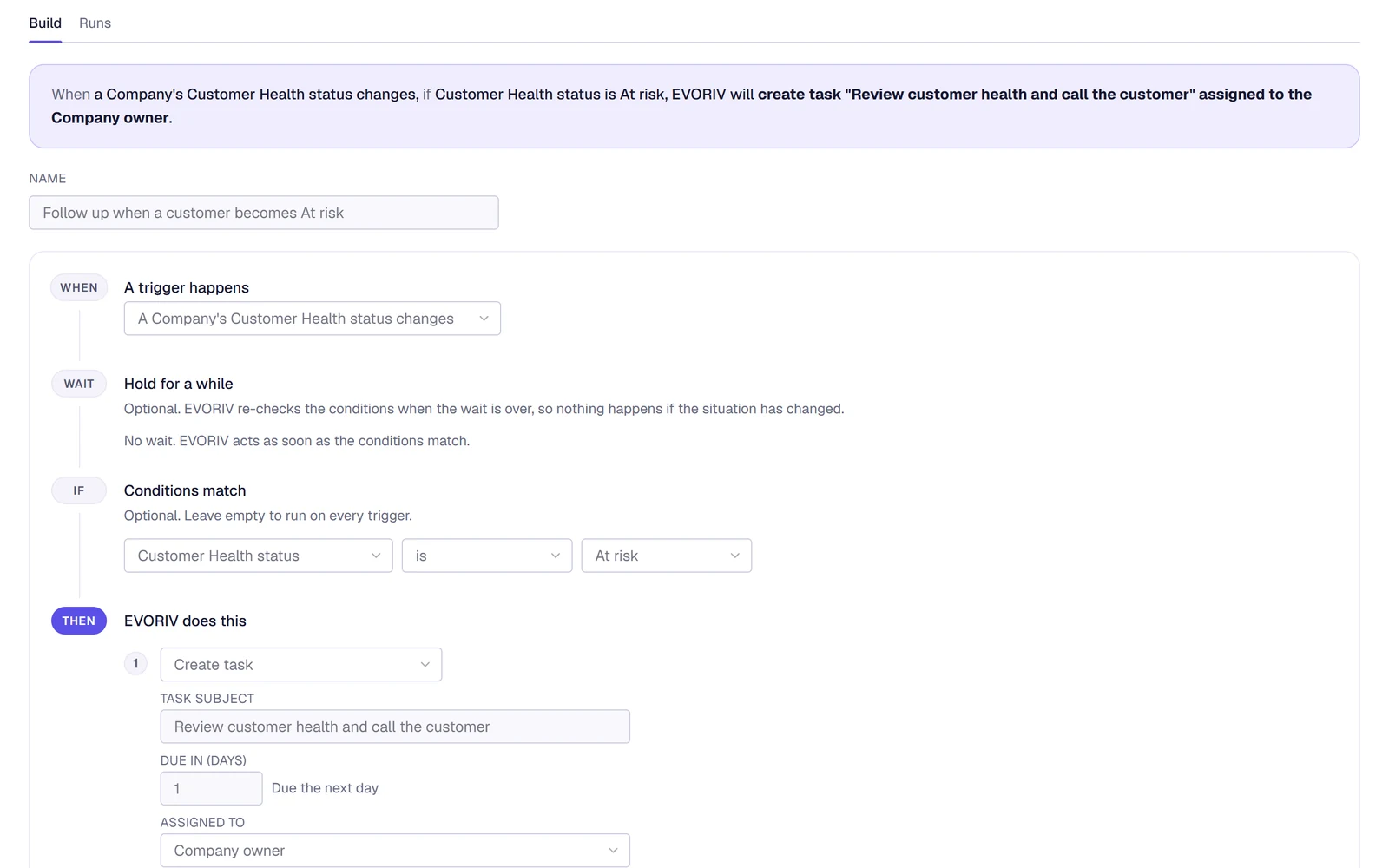
- "Two days after a quote is sent, if it is still open, create a task for the owner" as a draft
Examples of the kinds of requests AI Builder handles. The plan always shows exactly what it will do.
A plan you read before anything changes.
AI Builder shows a summary of what you asked for, each change it proposes, the assumptions it made and any question it needs answered. An admin applies the plan; until then nothing in your workspace changes. Automations it creates start as drafts.
- Only workspace admins apply changes
- Asks instead of guessing a missing detail
- Says plainly what it cannot set up, such as deleting data or permissions
Studio and Page Builder, when you prefer to click.
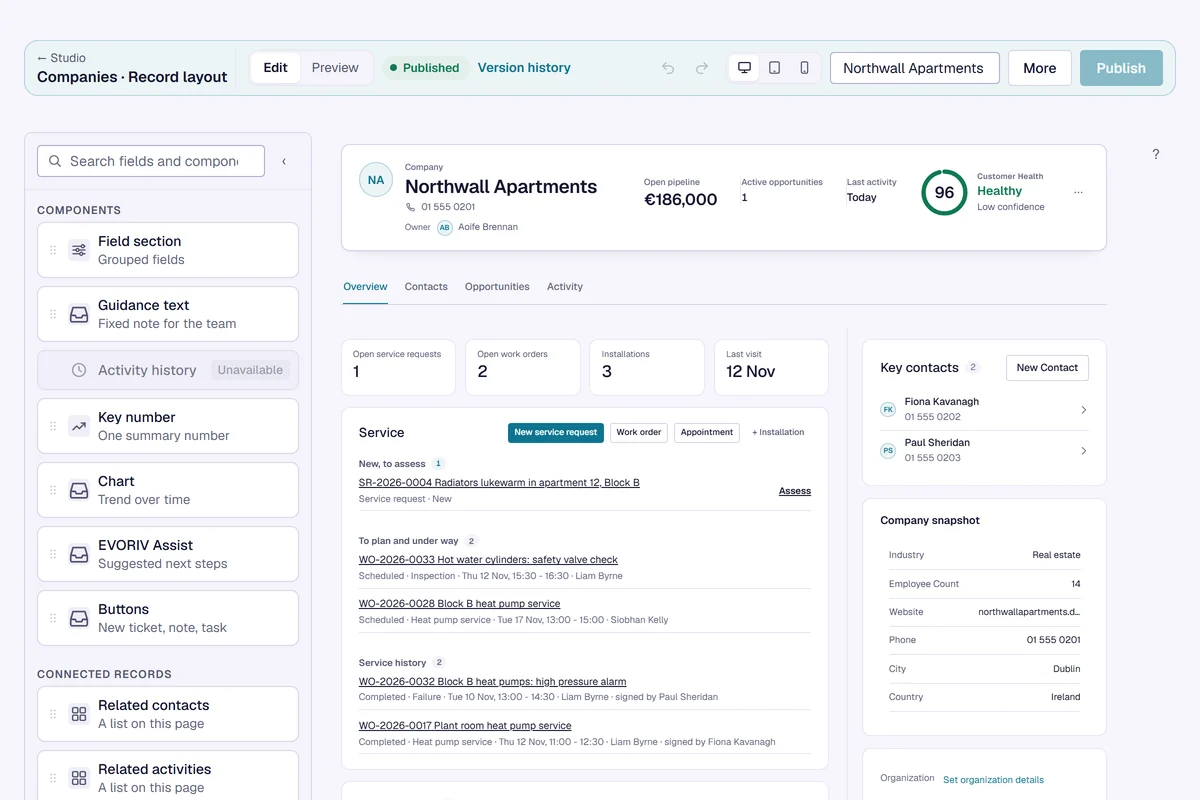
Everything AI Builder changes, you can also change yourself. Studio defines the fields you capture; Page Builder places fields and App blocks, such as Customer Health or Recent feedback, on the record page; Settings holds the pipeline stages, Health weights and quote settings.
Questions about AI Builder
What is AI Builder?
Can AI Builder change things without me?
What can it not do?
What does AI Builder need?
Does AI set up my whole workspace?
Related on EVORIV
Studio: the visual builders
Record pages, home pages, emails, forms, portals and automations, shaped without code.
Read moreAutomations and Agents
Plain-language rules for the steps that always happen, and agents that ask before they act.
Read moreCustomer 360
One record per customer: deals, contacts, activity, files, Health and Support side by side.
Read moreSoftware that evolves with your business.
Start with Sales today, then shape it in your own words.