

Quotes your customers accept online.
Price the deal from the products and services you sell, create the quote from it with a personal note, and send it as a secure link in your branding. Your customer accepts online, and you see when they opened it.
No credit card
Why quoting in EVORIV is faster
Nothing to re-enter
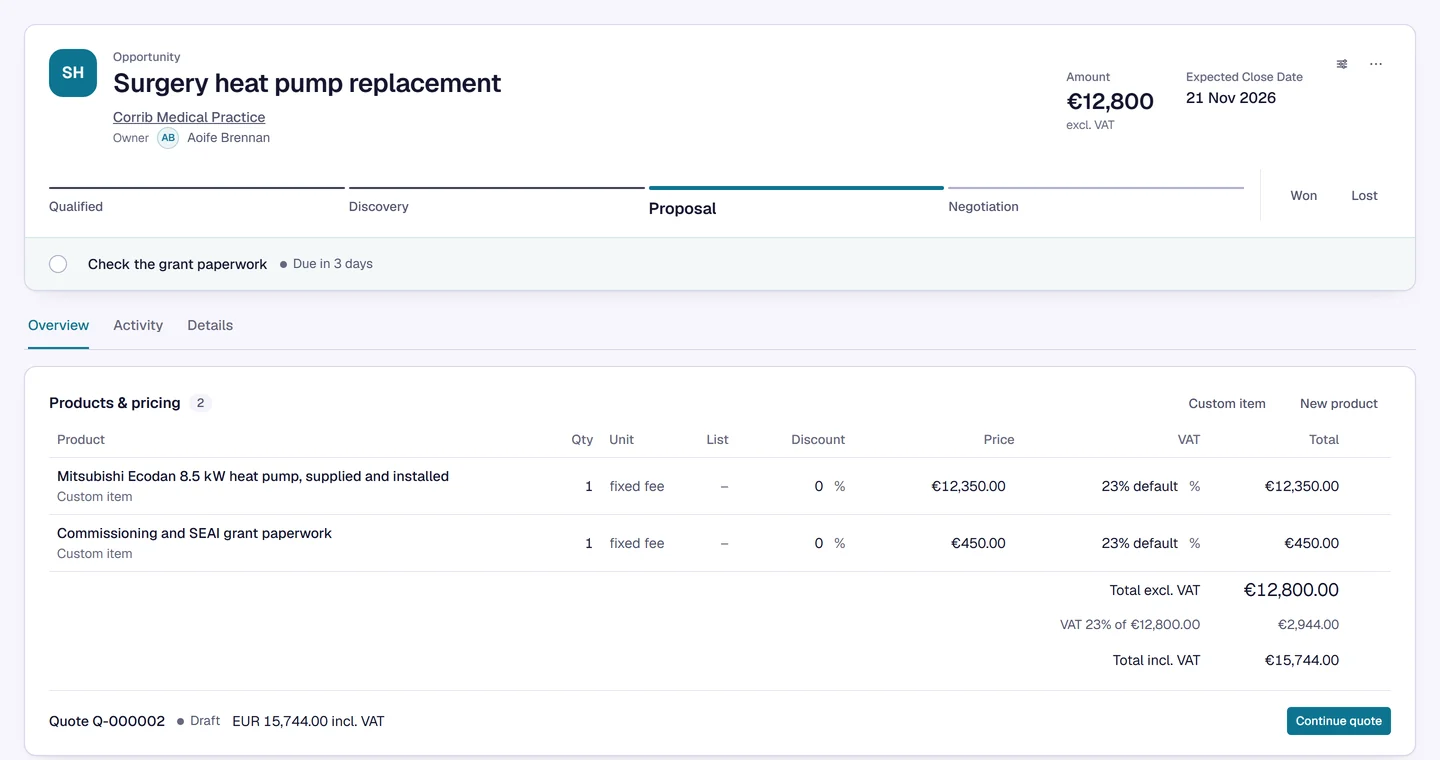
The quote is drafted from the deal's lines, prices and discounts.
Always the right version
Every sent version and its PDF is kept exactly as the customer received it.
Accepted, and the deal moves
Acceptance is recorded on the quote, and your settings can move the deal to Won.
Sell what you actually sell.
One catalogue for your products and services, priced each, per hour, per day or as a fixed fee, billed monthly or yearly. Price lists per currency keep the right price on every deal, and earlier prices stay on the deals that used them.
- VAT per line
- Discounts and totals calculated for you
- Quote numbers per workspace
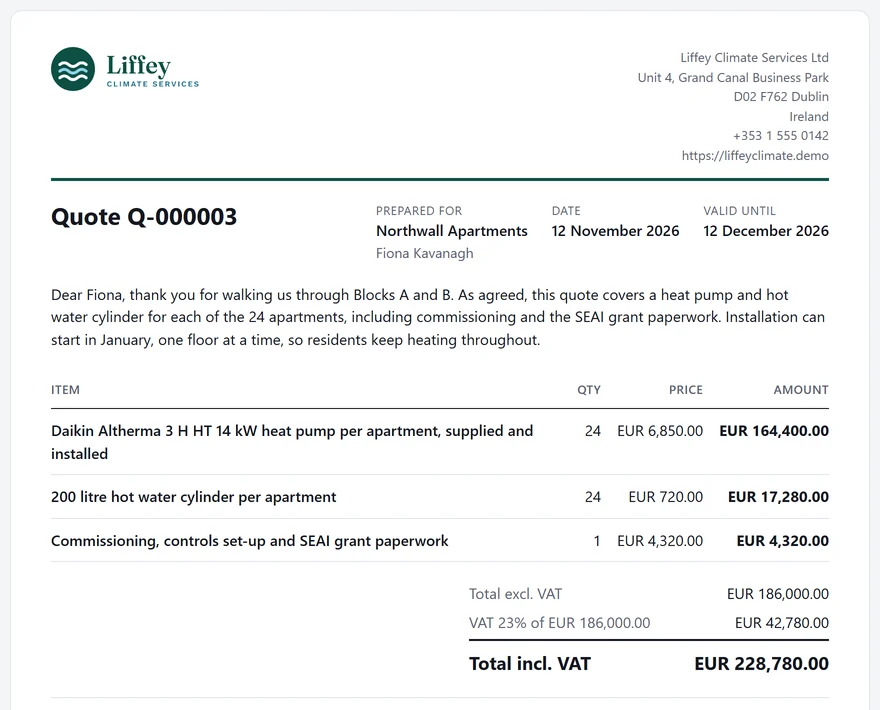
A secure link, accepted by typing their name.
Create the quote from the deal, check the preview and send it from your own address. The customer opens a page in your branding, reads the quote in their language and accepts or declines it; a PDF is there for anyone who needs a file.
To accept, the customer types their full name and email address and ticks the agreement. When a customer answers by phone or email instead, your team records it, marked as recorded by your team.
- Introduction, terms and validity set once in Settings
- Statuses: Sent, Viewed, Accepted, Declined, Expired
- A new version replaces the old one; the old one is kept
Online acceptance is a typed name, not a qualified electronic signature.
- Who
- The full name and email address the customer typed
- When
- The date and time of acceptance
- What
- The exact version, and its PDF, the customer saw
- Then
- The deal can move to the stage your quote settings name
Chase the quotes that are waiting.
Switch on the ready-made automation "Chase deals waiting on a quote" and EVORIV creates a follow-up task for the deal owner when a quote has gone unanswered. Read it as a plain plan before you switch it on.
Questions about quotes
Can my customer accept a quote online?
Is acceptance an electronic signature?
Can I change a quote after sending it?
Can I quote in different currencies and languages?
What does EVORIV cost?
Related on EVORIV
Guide: quotes from CRM deals
Step by step: price the deal from your products, quote from it, and let the customer accept online.
Read moreAutomations and Agents
Plain-language rules for the steps that always happen, and agents that ask before they act.
Read moreEVORIV Sales
Leads, pipeline, products, quotes and follow-up: the Business App you can start with today.
Read moreSend your next quote from EVORIV.
Start with Sales today: add your products, price a deal and send the quote.