

Service requests from every channel
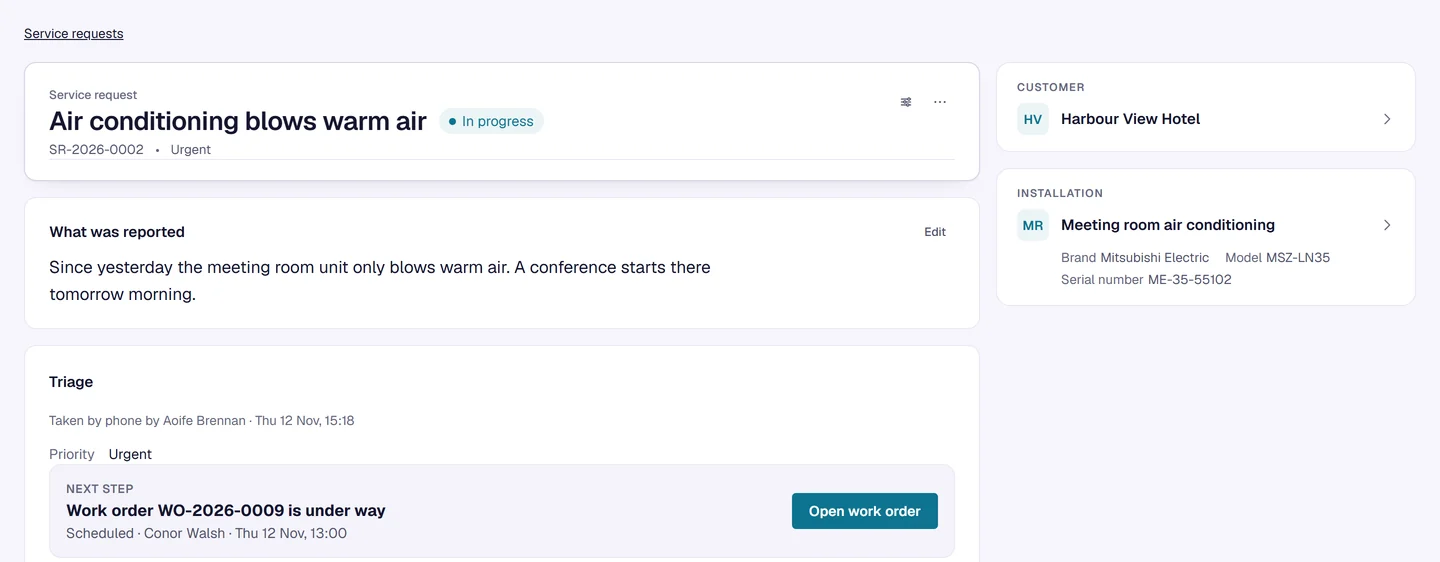
Take a request by phone or email, or let the customer report it in their portal. It lands on the customer and the installation, with a priority and the next step.
Business App · Operations
Available today
Operations runs the work after the sale: every request on the customer and their installation, a work order with the right checklist, the technician's day on their phone, and a work report the customer signs on site.
EVORIV Open BetaNo credit card
✓ Every job and its status
✓ The job on the technician's phone
What Operations does
Take a request by phone or email, or let the customer report it in their portal. It lands on the customer and the installation, with a priority and the next step.
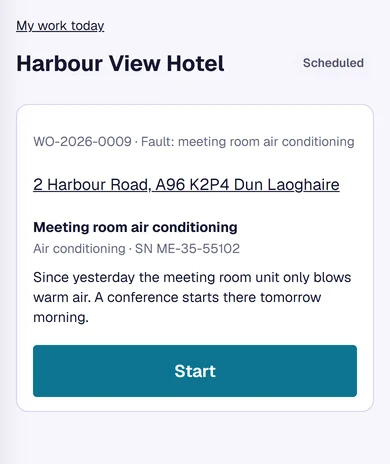
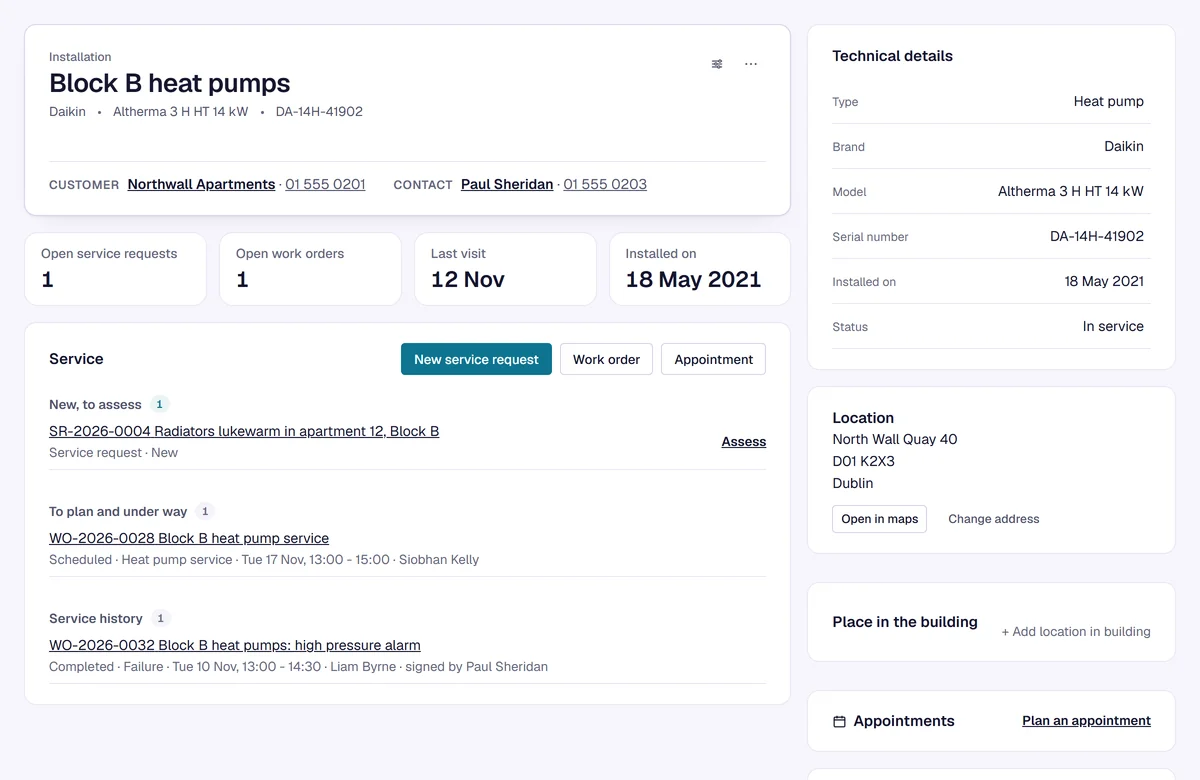
Heat pumps, air conditioning and boilers with brand, model, serial number and address, on the customer they belong to. Earlier requests and visits stay with the installation.
Each type of work brings its own checklist, measurements and required photos. Materials and hours are recorded on the work order, not on a note.
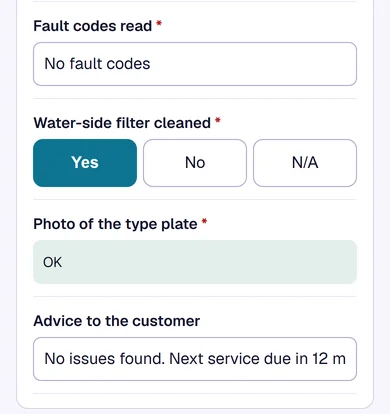
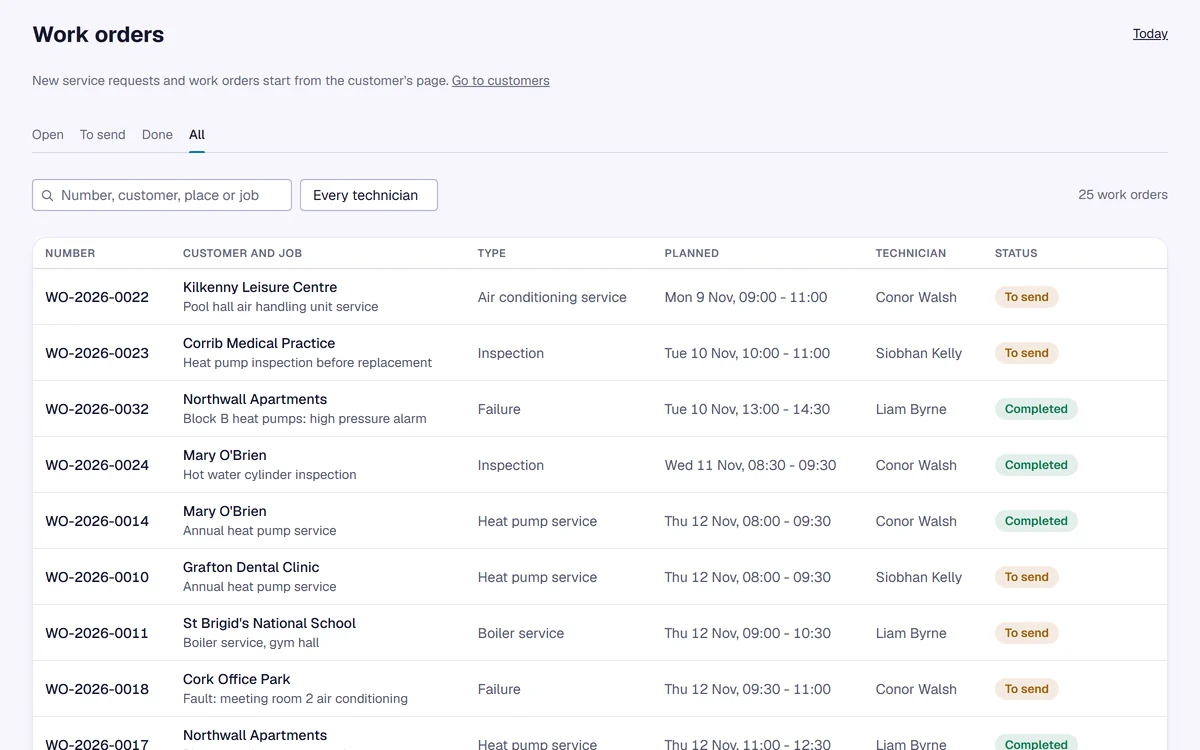
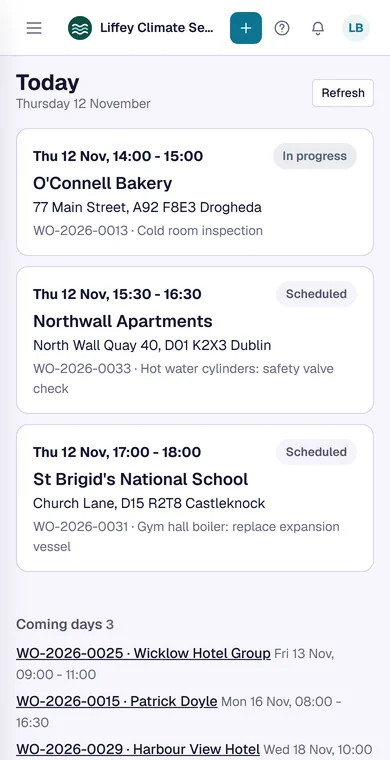
Today's jobs with the address, a tap to call, the installation and the checklist. Required answers are checked before the customer signs.
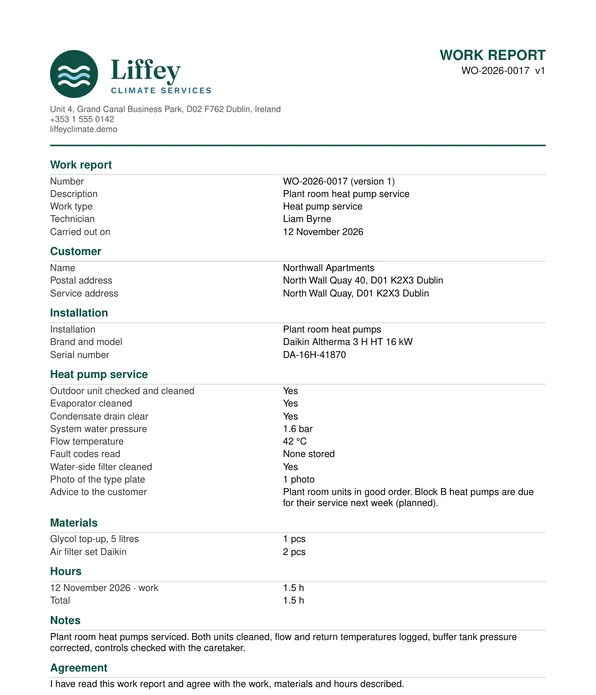
The customer signs the work report on the technician's phone and enters their name. That version is issued as a PDF and stays on the customer, and with Portals the customer finds it in their portal.
Operations is available to every workspace: add it yourself in Settings, Apps, and switch it off again without losing data. EVORIV does not send invoices; the Moneybird connection is in beta and available on request.
Works with
Plan work orders per technician and day on the dispatcher board.
Customers report issues and find their work reports.
The quote for an installation and the service afterwards on one customer.
A finished work order becomes a draft invoice.
FAQ
Try EVORIV on your own workflows and help shape what we build next. No credit card required.
Sales, Operations, Planning and Portals are available today · Support is rolling out during Early Access