

Rolling out
Support, on the same customer record.
A shared inbox for every customer question, with the conversation first and the customer's deals, earlier tickets and feedback right beside it. Your team answers from the address customers already write to.
Support is rolling out during Early Access, workspace by workspace. Once it is released to your workspace, you turn it on when you are ready.
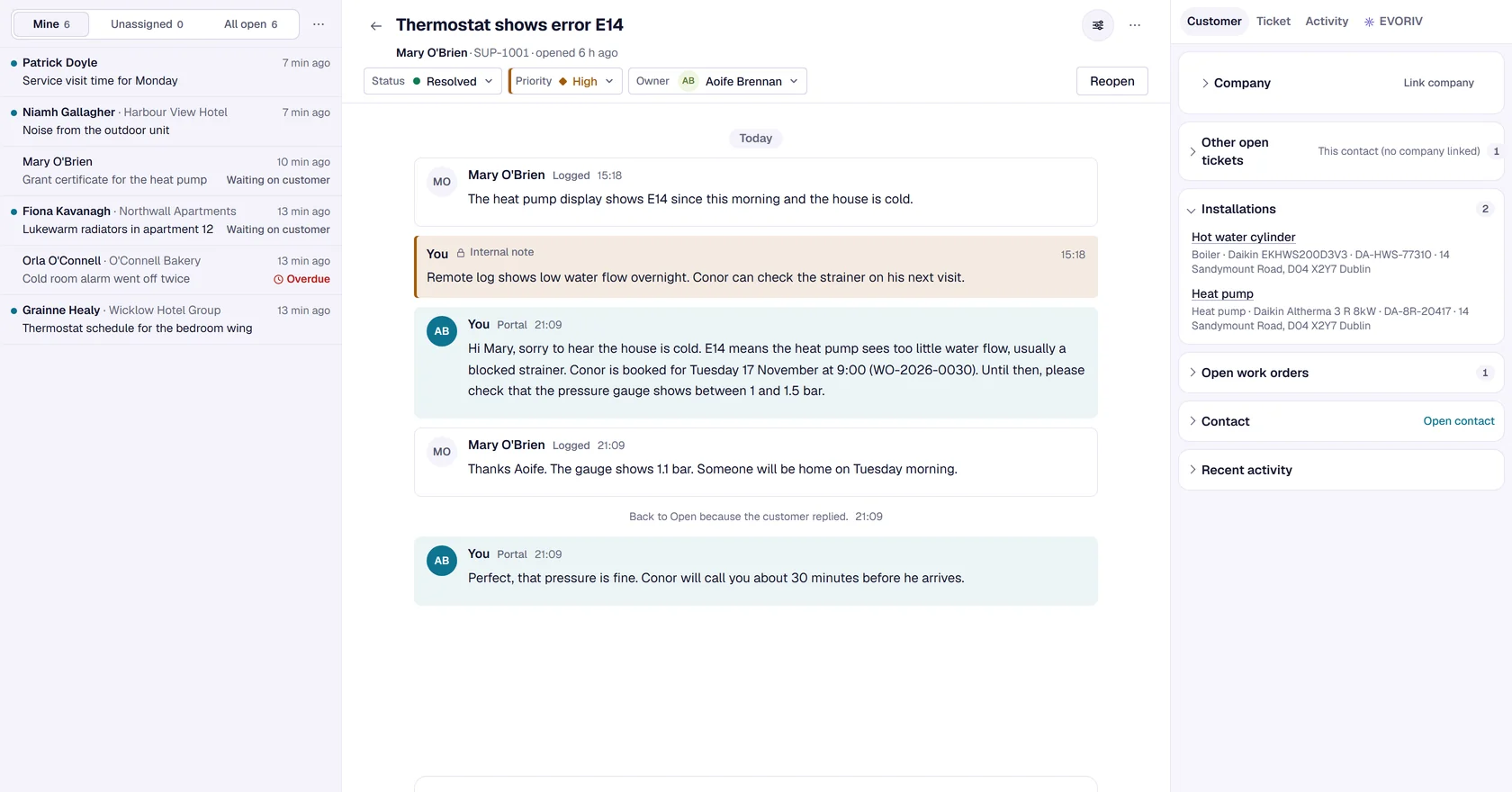
Every question in one inbox, in the order to handle it.
Email to your support address and your website form become tickets. The Inbox shows what is due first, what needs your answer and what is waiting, so nobody has to sort it by hand.
- Your own tickets, unassigned ones, or all of them
- Take a ticket with one click; it is yours
- Status, priority and the time left to reply on every row
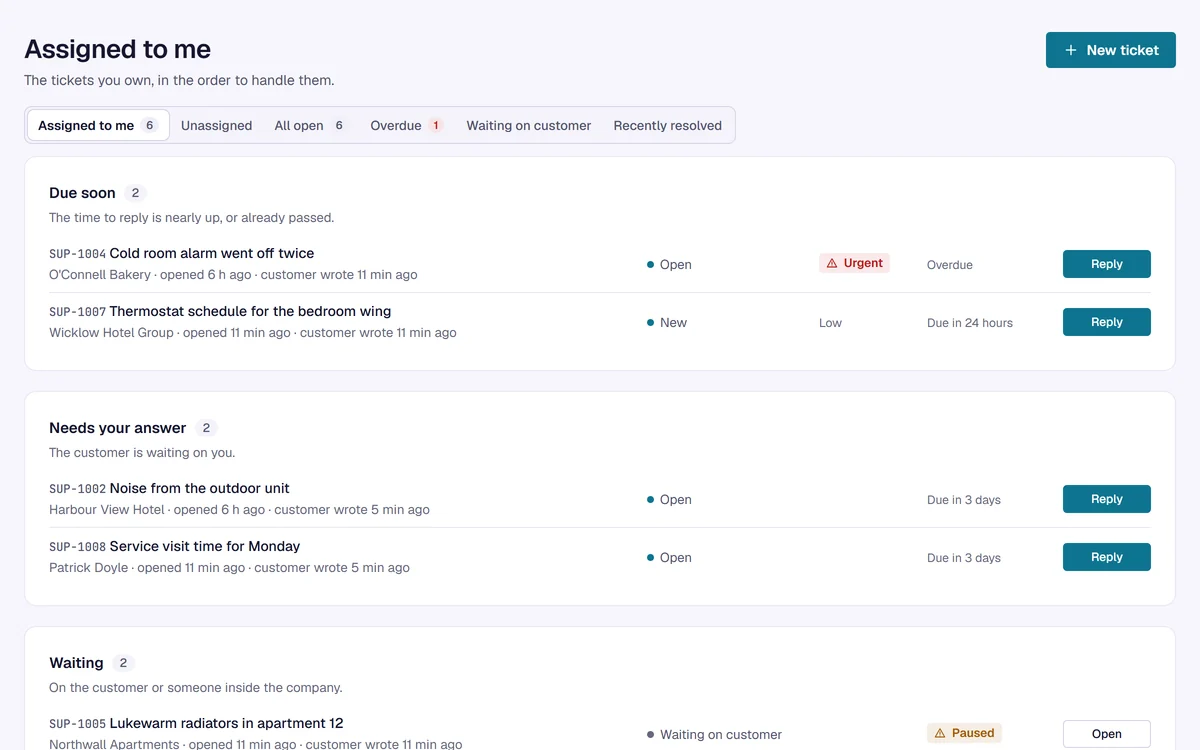
Every ticket, next to the customer.
The conversation reads like the email thread it is. Beside it: the customer's company and contact, their open deal and their earlier tickets. Internal notes stay inside the team; the customer only sees your replies.
Reply, note or log
Answer by email, leave a note for a colleague, or log what the customer said on the phone. Each stays on the ticket.
Then decide what happens
After sending, wait for the customer, keep it open or resolve it, in the same step.
Sales sees it too
Tickets appear in the customer's activity, so the account manager knows before the next call.
Drafted by the Agent. Sent by a person.
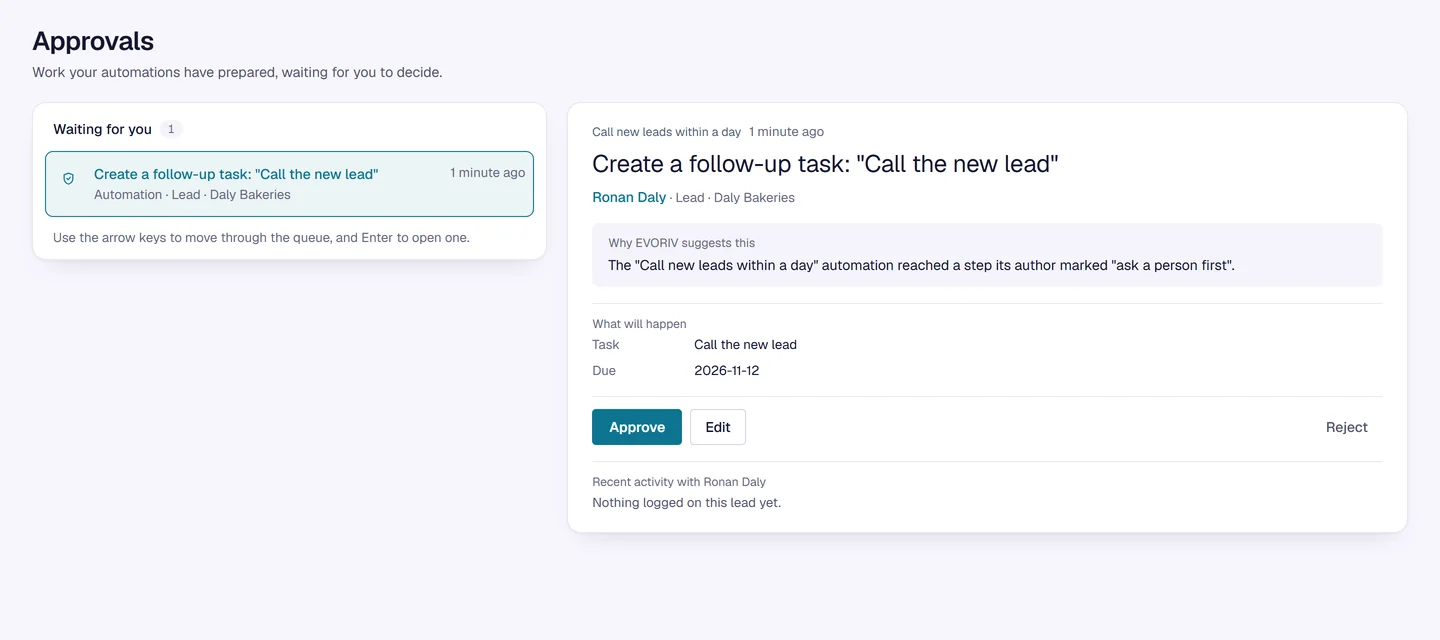
The Support Agent reads the ticket, the customer and the response target, and prepares a reply. It waits in Approvals with the reason it was suggested. You approve and send it, edit it first, ask for a new draft or reject it.
The Agent needs AI switched on for your workspace. Every reply it drafts waits for a person; it never answers a customer on its own.
The work around every ticket.
Queues, response targets, templates and the first automations arrive set up for a support team, ready to change.
Response targets
Every ticket has a time to reply by. The Inbox puts what is due first and says what is overdue.
Queues and routing
General, Technical, Billing or your own. New tickets are routed and assigned by rules you can read.
Automations
Hand an urgent ticket to its owner, follow up after two days of waiting, close the tasks of a resolved ticket.
Templates
Answers your team writes once and inserts into any reply, filled in for the ticket.
Acknowledgements
Every new request, by email or from your website, gets a reply with its reference number. The customer's answer stays on the ticket.
Customer feedback
A rating request when a ticket is resolved, and an NPS survey to the contacts you choose. Every answer lands on the customer as a Customer Signal.
Not another tool to connect.
Support is built on the same platform as Sales, so it starts from what is already there. A workspace can run Support next to Sales, or only Support.
- The same companies and contacts as Sales
- Tasks and follow-ups in the same My Work
- The same automations and approvals
- The same roles and permissions
How the EVORIV platform works · Leaving Zendesk? Export your tickets first
Want Support in your workspace?
Start free with the Apps available today. Tell us how your team handles customer questions, and see Support at work in the demo.