

What EVORIV connects to, stated plainly.
EVORIV replaces several tools instead of connecting them: sales, service, planning and your customer portal work on one shared record. Where your business meets the outside world, each connection is labelled: available today, or beta on request.
No credit card
How EVORIV fits with what you already use
Fewer tools to connect
CRM, quotes, follow-up and, with Support, the helpdesk and surveys share one record.
Your own email address
Emails, quotes and follow-ups go out from an address on your domain.
Your data comes with you
Bring CSV and Excel exports from any CRM or spreadsheet.
The connections every workspace has.
These work in every workspace today, with nothing to install.
- Send from the record and from sequences and automations, from sending addresses on your own domain. Replies come back to EVORIV
- Website forms
- Build a form, publish it as a link or embed it in your website. Each submission becomes a lead with its source and campaign
- Import
- CSV and Excel exports from another CRM or a spreadsheet, reviewed before anything is written
- Quote links
- A secure page in your branding where customers accept online, plus a PDF
- Files
- Upload agreements and documents to the company; they open in EVORIV's own viewer
Connections we are testing with selected workspaces.
These are built but switched off by default while they are in beta. Ask for them and we can switch them on for your workspace.
- Slack
- An automation step posts a message to a Slack channel, for example when a work order is signed or a request arrives
- Webhooks
- Automations send to, and receive from, your own systems over HTTP
- Moneybird
- A finished work order becomes a draft invoice in Moneybird, with the customer; you see when it is sent and paid. EVORIV itself does not invoice
From HubSpot, Salesforce, Pipedrive or a spreadsheet.
There are no direct connectors to other CRMs. You export your data as CSV or Excel and import it; EVORIV recognises companies, contacts, deals and activities, connects them and asks only what it cannot safely work out. The Migration Academy shows step by step how to export from each system.
Your support address and your website.
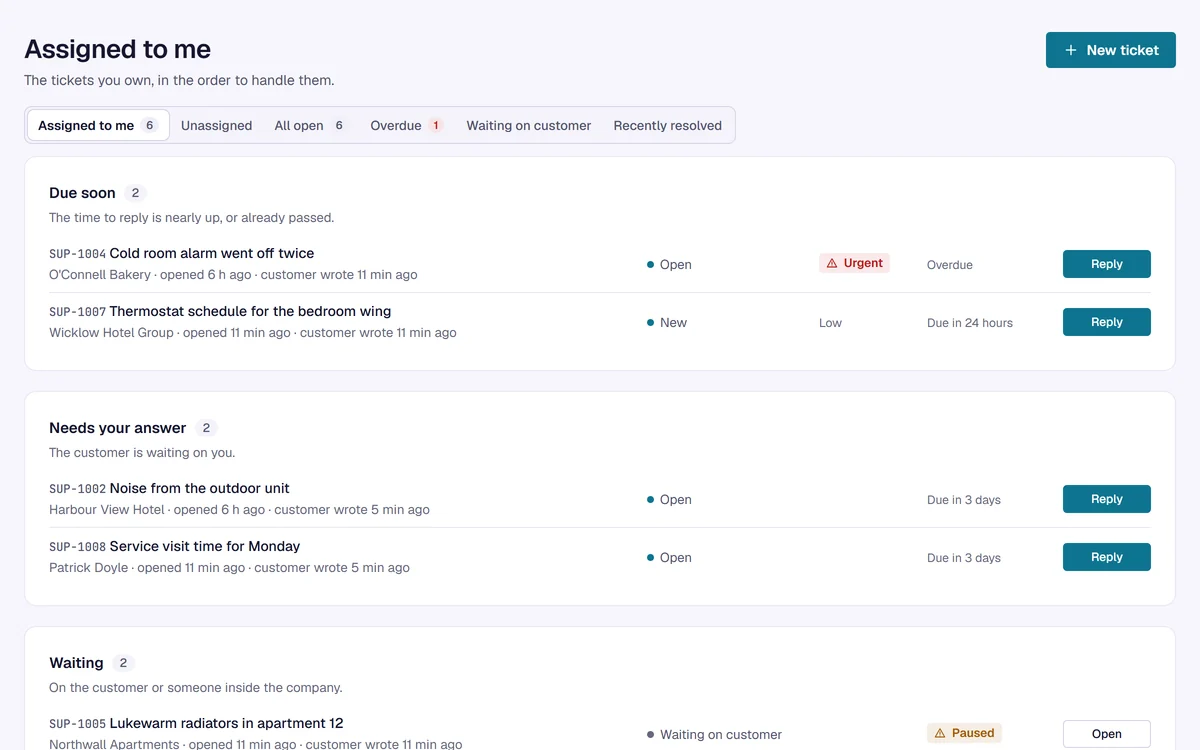
Where Support is enabled, you keep the address customers already write to and forward it to EVORIV: every email becomes a ticket and you reply from EVORIV, with step-by-step instructions for Gmail and Outlook. A support form for your website sends requests to the same Inbox.
Support is rolling out during Early Access and is enabled on request, workspace by workspace.
What EVORIV does not connect to.
We would rather say it than let you find out after you switch. If one of these matters to you, tell us.
- Other CRMs
- No direct sync with HubSpot, Salesforce or Pipedrive; use exports
- Mailboxes
- No direct Google or Microsoft 365 mailbox connection; you send from addresses on your own domain
- Accounting
- No accounting connection other than the Moneybird beta
- Chat
- No Microsoft Teams connection
- Marketplace
- No app marketplace; build your own with the Developer API
Questions about integrations
Does EVORIV integrate with HubSpot, Salesforce or Pipedrive?
Can I send email from my own domain?
Can I put an EVORIV form on my website?
Is there an API?
Does EVORIV connect to my accounting software?
Related on EVORIV
Switch to EVORIV
Bring companies, contacts and deals from CSV or Excel exports, reviewed before anything is imported.
Read moreEVORIV Sales
Leads, pipeline, products, quotes and follow-up: the Business App you can start with today.
Read moreEVORIV Support
A shared inbox with the customer in view. Rolling out during Early Access, enabled on request.
Read moreReplace the tools. Keep the context.
Start with the Apps you need today, or tell us what you need EVORIV to connect to.