

Price an opportunity from products
Build an opportunity's value from products, quantities and discounts, calculated by EVORIV.
An opportunity's value can be typed by hand, or calculated from the products you're selling. Products & pricing, on the opportunity, shows which one it is.
Switch an opportunity to products and pricing
- Open the opportunity.
- In Products & pricing, select Price from products.
- Choose the price list. EVORIV shows what changes: the typed amount becomes the calculated total, and the currency becomes the price list's.
- Select Switch to products and pricing.
Add and change products
- Select Add product and choose a product. Only products with a current price in the opportunity's price list can be added.
- Enter the quantity. For a product priced per hour or per day, enter hours or days. A fixed fee is always one.
- Optionally enter a discount percentage, then select Add product.
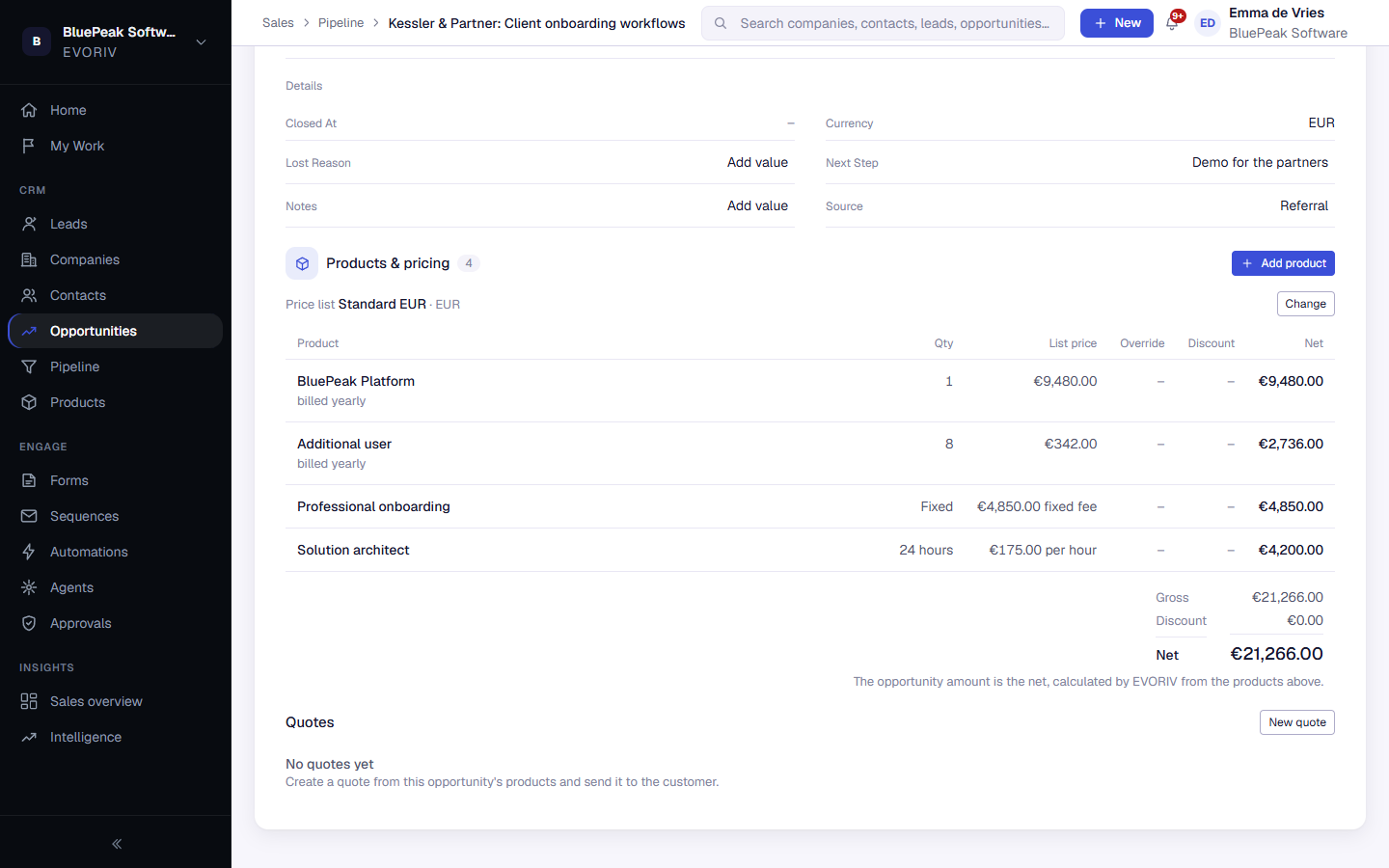
Select a product's name to change its quantity or discount, or to remove it. EVORIV recalculates the product's net and the opportunity total when you save.
Prices, discounts and overrides
- Each product keeps the price it was added at. A later change to the price list doesn't change it; a product added later gets the new price.
- A discount is a percentage of that product's price. The totals show the gross, the discount and the net.
- A workspace admin can sell a product at a different price than the list price. The list price stays visible next to it, together with the reason, which is required.
- The opportunity amount is the net. It can't be edited directly, by people or by automations.