Products and price lists
Keep your catalogue and what each product costs, per currency.
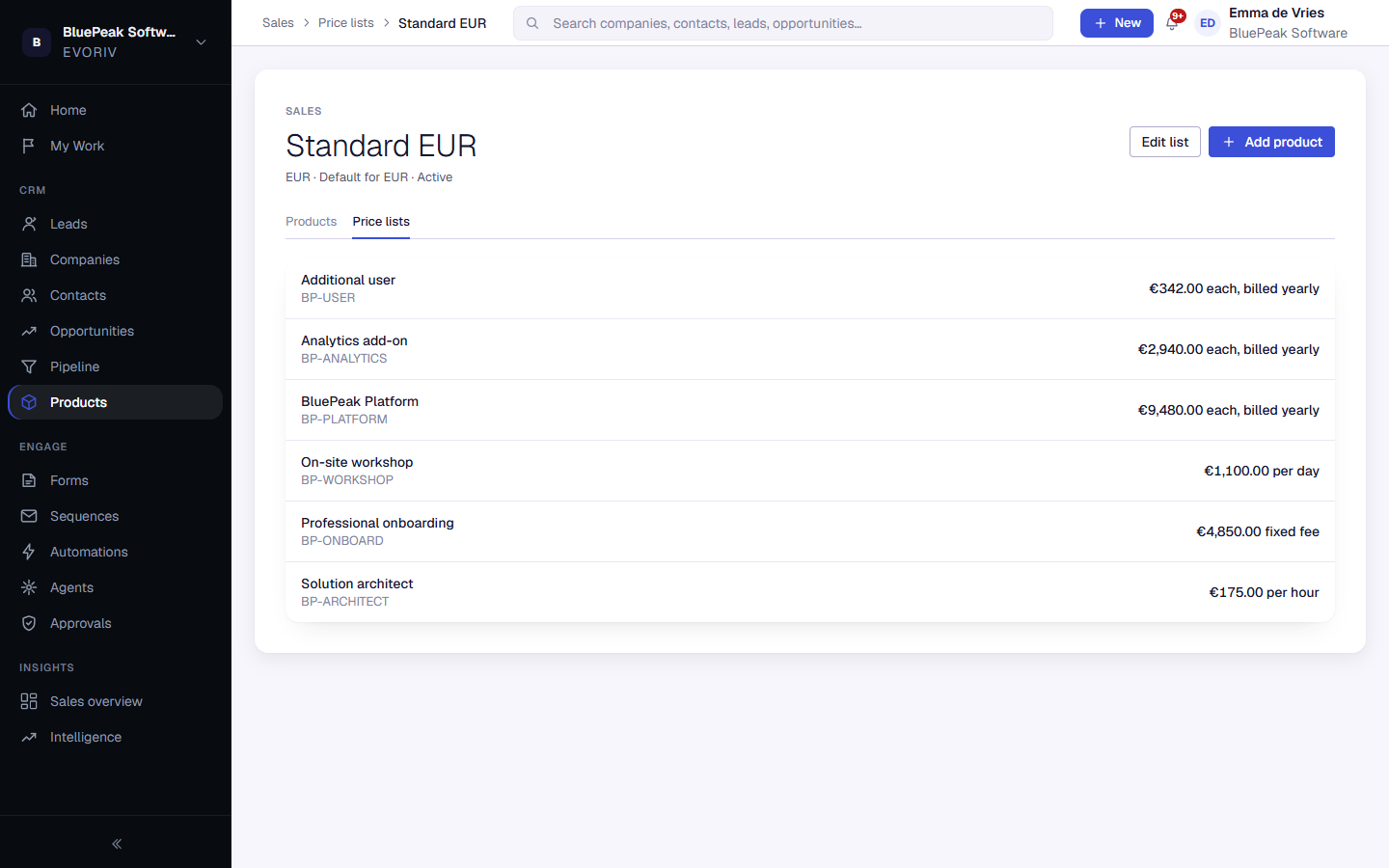
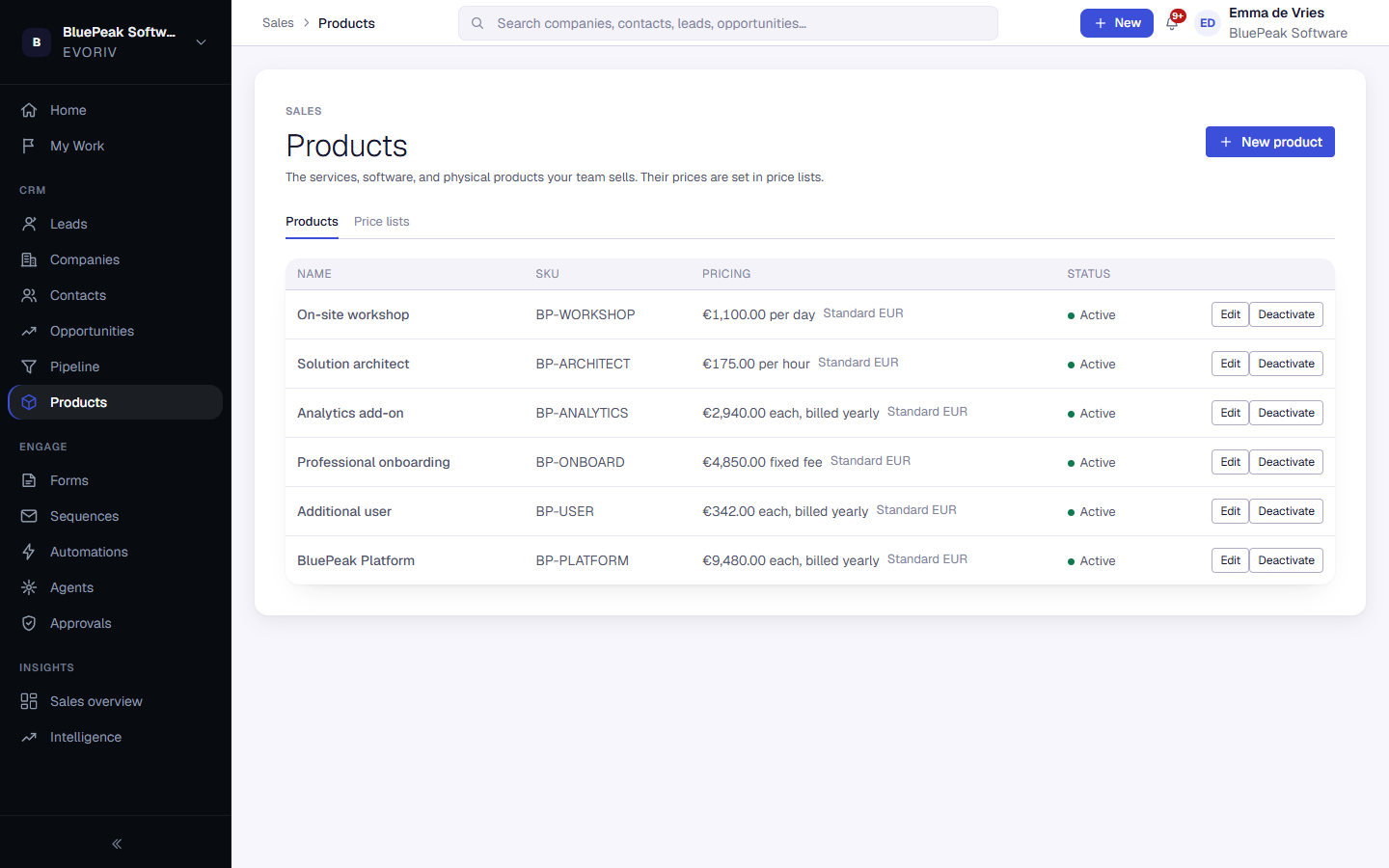
Products lists what your team sells. A product's price lives in a price list: a named set of prices in one currency, such as Standard EUR. The Pricing column shows where each product is priced.
Set up a price list
- Open Products, then the Price lists tab.
- Select New price list, give it a name and a currency, and choose whether it is the default for that currency.
- Open the price list and select Add product. Enter the price and how it is counted: Each, Per hour, Per day or Fixed fee.
- Optionally say how often it is billed, for example Yearly. This is shown on deals and doesn't change the price.