

Build a follow-up sequence
Add email and task steps with timing, then set the sequence live.
A sequence is a set of follow-up steps that happen to every enrolled lead, in order. When a step falls due it appears in My Work as a follow-up.
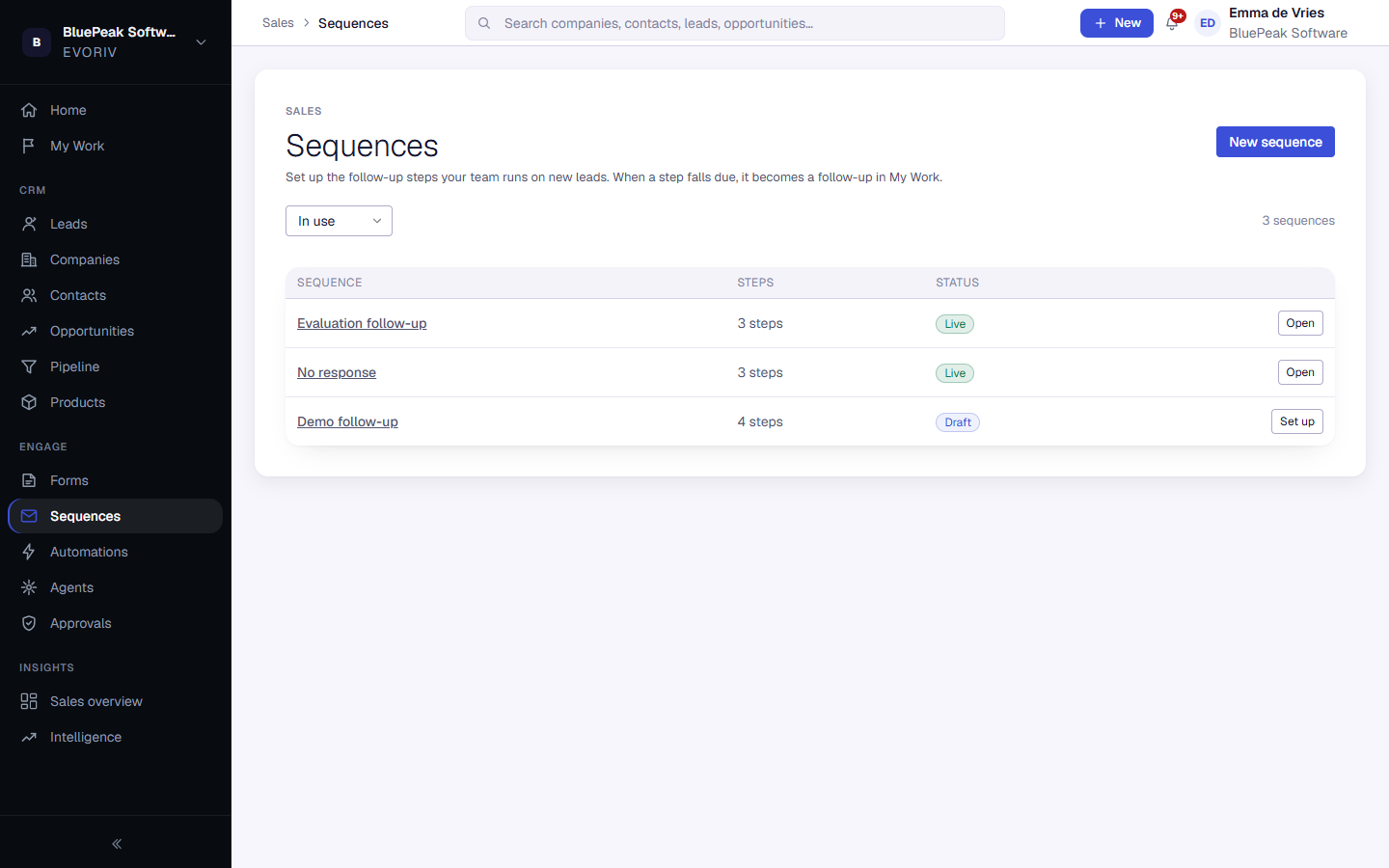
- Open Sequences and select New sequence. It stays a draft, and enrols nobody, until you set it live.
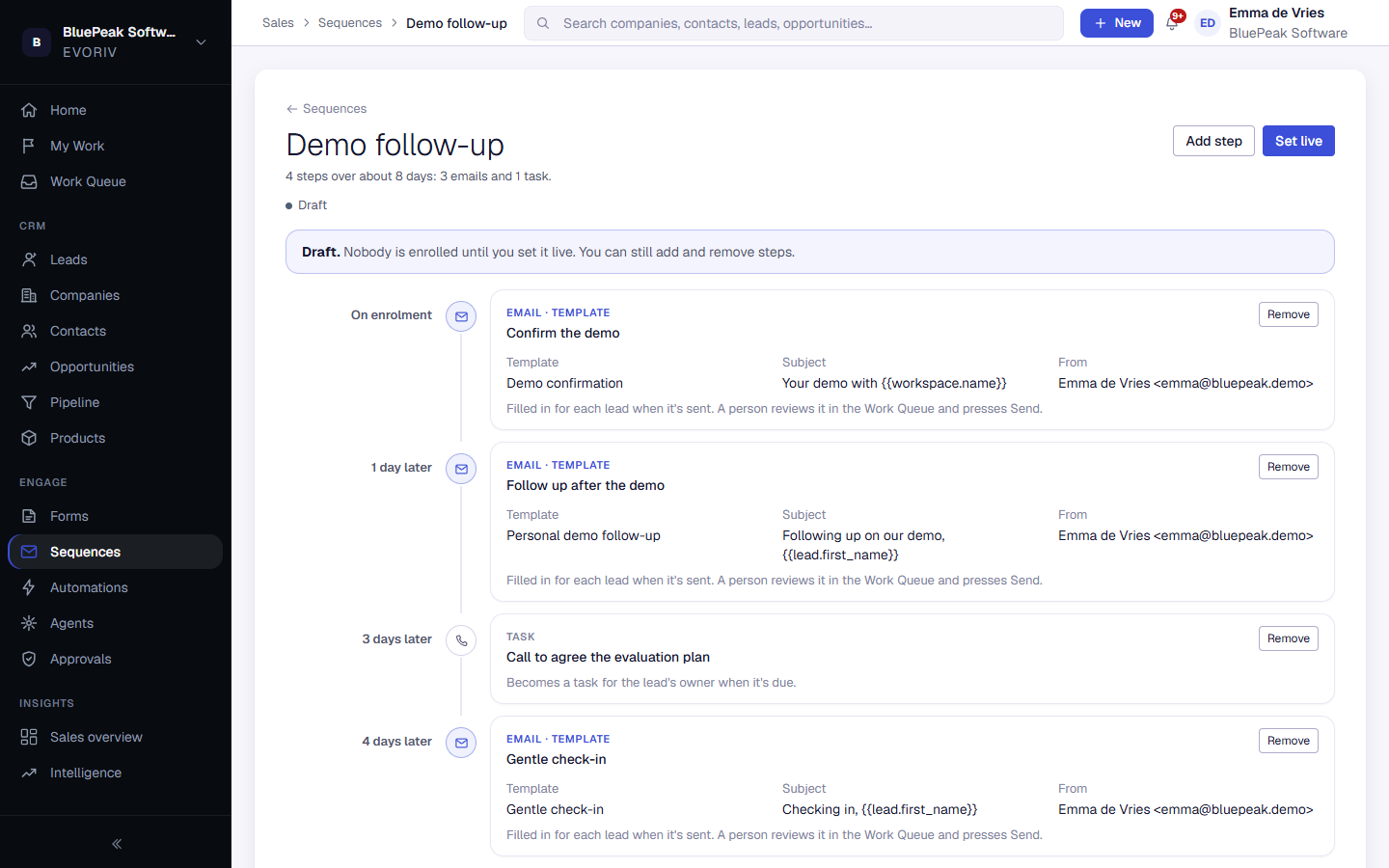
- Select Add a step and choose Send an email or Do a task.
- Choose When: Straight away, or a number of days or weeks after the previous step.
- For an email, choose Use a template to reuse one of your templates, or Write it here. The preview shows the email a lead receives.
- Select Add to sequence, and repeat for each step.
- Select Set live when it's ready.
Work your follow-ups
Open My Work and choose Follow-ups. Each one shows the person, their company, the sequence and the step, for example Step 2 of 3, and when it is due. Open it to see recent activity with that person, then Send and move on for an email step or Mark complete for a task step. The next due follow-up opens straight away.
Once a sequence is live, its steps are locked. Archive a sequence you no longer use: everyone still in it is stopped.