

Create and complete tasks
Plan the next step on a record, and see all of your team's tasks in one list, grouped by when they are due.
- Open the record the task is about and select Task, or open Tasks and select New task.
- Give it a specific subject and a due date, for example Prepare pricing proposal for Horizon Logistics.
- Select Add task.
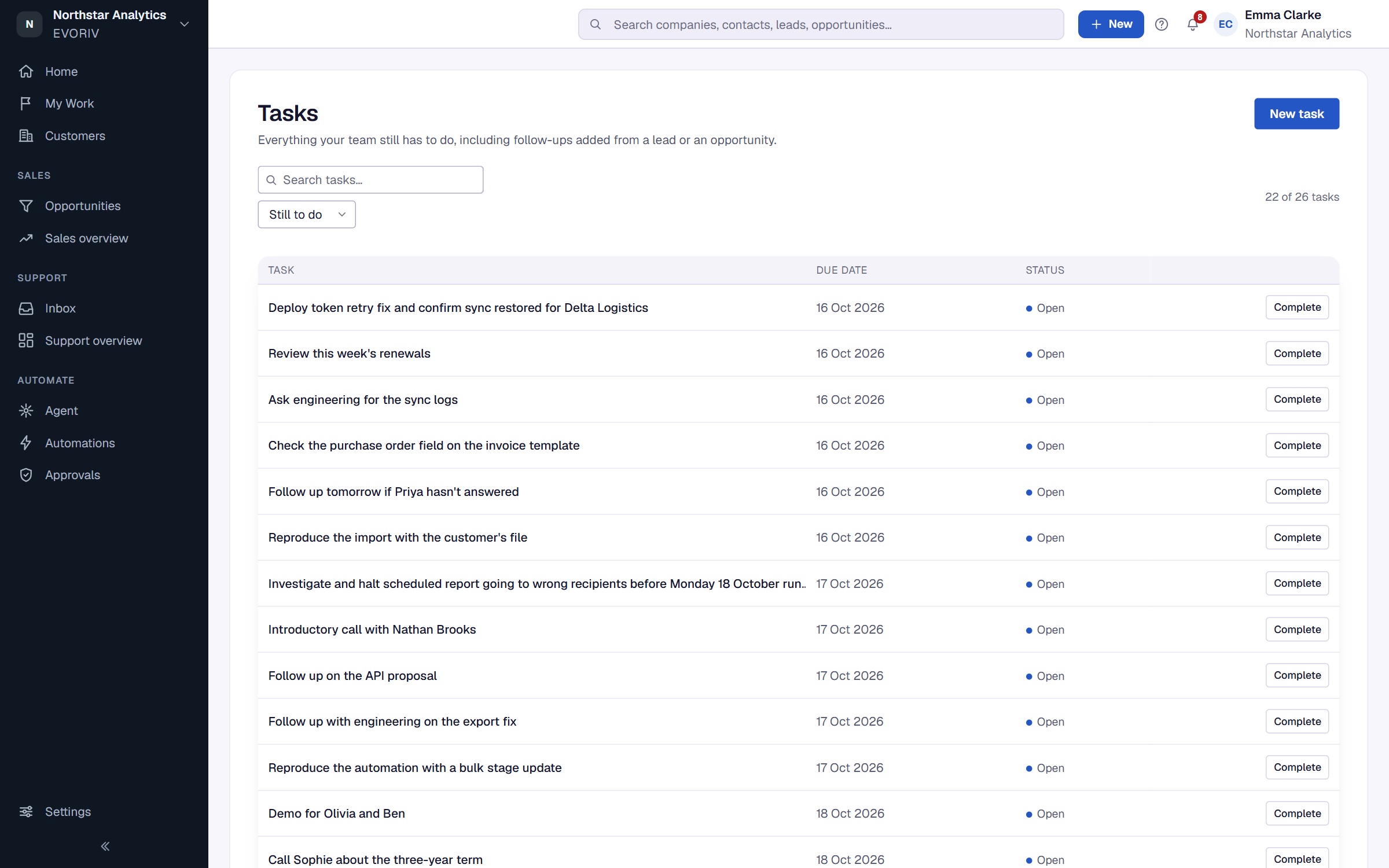
Select Complete when it's done, or Reopen if it isn't. Your own open tasks also appear in My Work, grouped by what's overdue, due today and coming up.