

Submissions and attribution
See who submitted, where they came from, and the lead each submission created.
The form's Overview shows the number of submissions and the last one. Submissions lists each one with when it was received, its Source and its Campaign. Select View lead to open the lead it created.
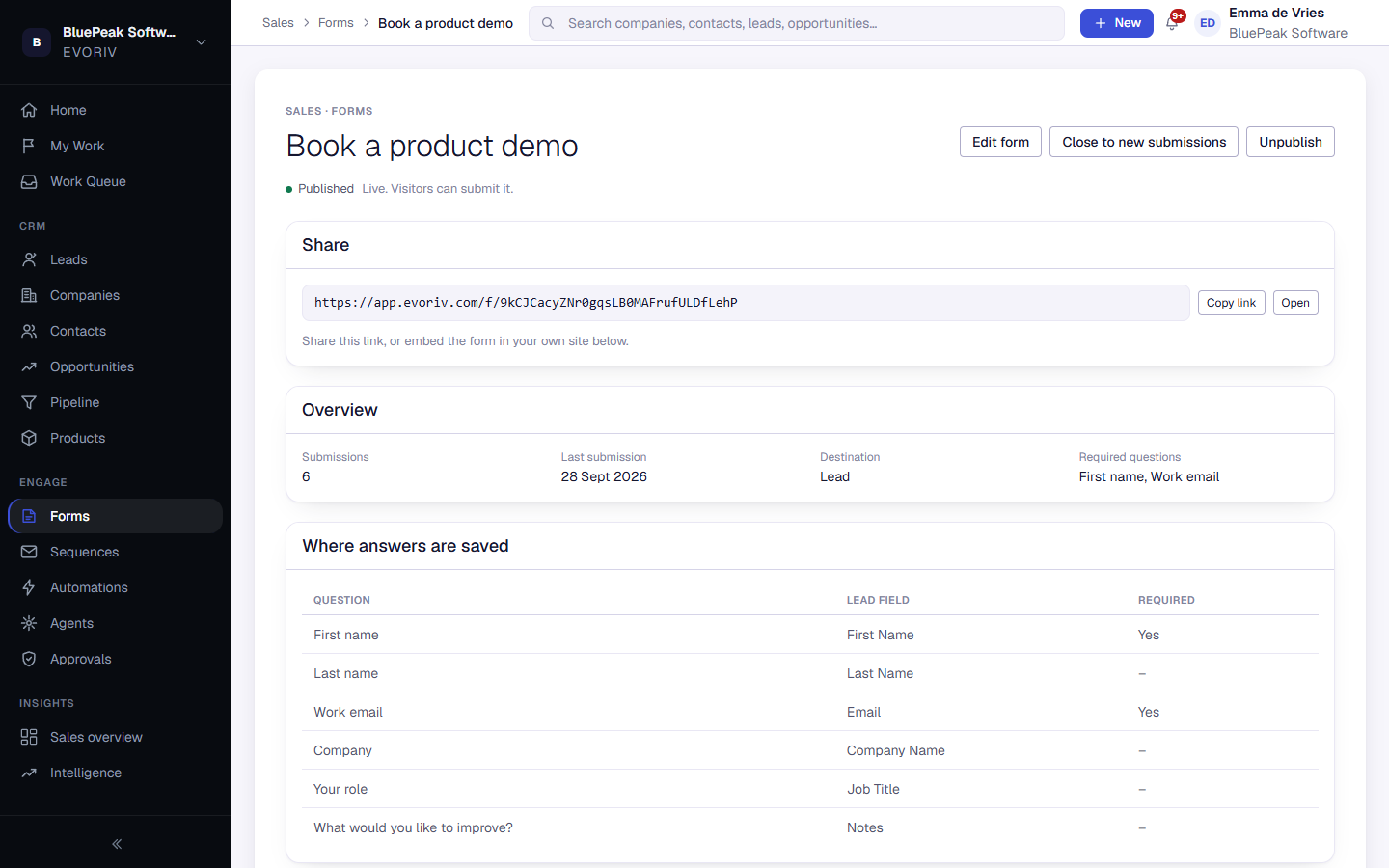
The source and campaign come from the page the visitor was on, including UTM tags, so you can see which channels bring in leads.