

Publish and share a form
Publish a form, copy its link or embed it, and close or unpublish it later.
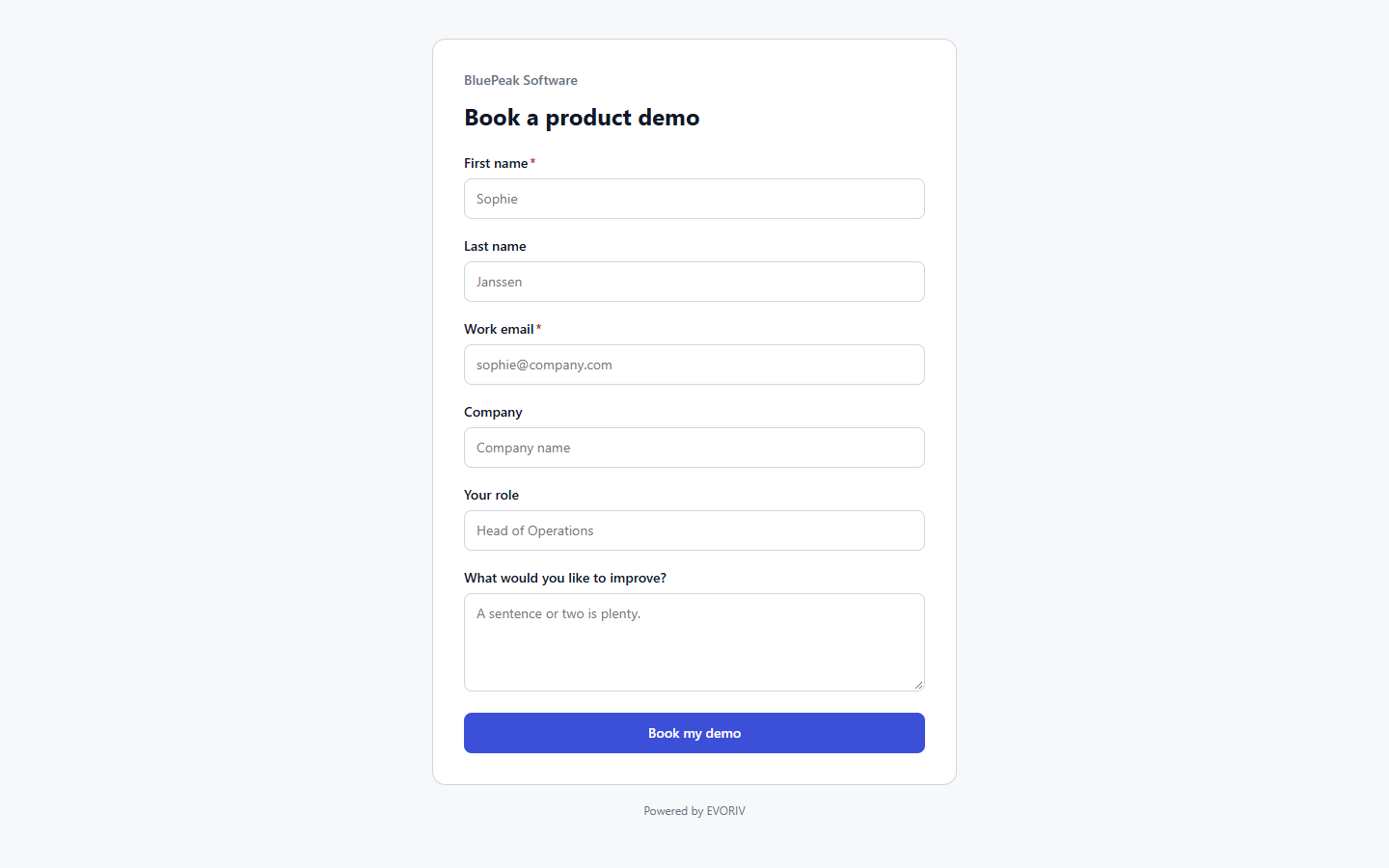
A new form is a Draft: not public yet. The link does not work for visitors until you publish.
- Open the form and select Publish.
- Under Share, select Copy link, or Open to see the public form.
- To put it on your website, copy the snippet under Embed in your website.
Pause or take it down
- Close to new submissions: the form stays published, but visitors see that it is closed. Select Reopen to accept submissions again.
- Unpublish: the public link and any embedded copy stop working straight away. Submissions already received are kept.