

Build and switch on an automation
Create an automation, save it as a draft, and activate it when it's ready.
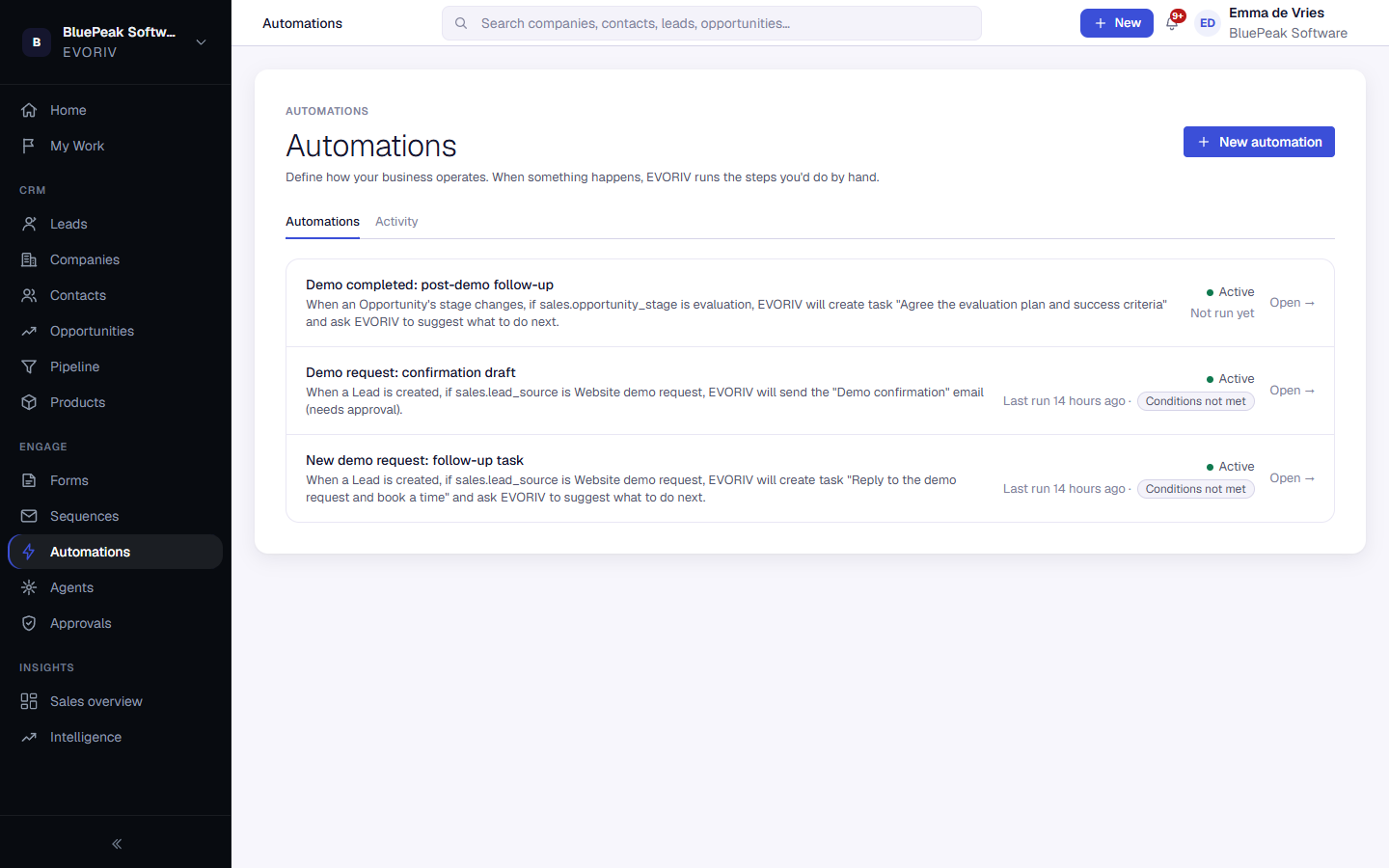
- Open Automations and select New automation.
- Choose the trigger, then add a wait, conditions and actions.
- Select Save draft to keep working on it later.
- Select Activate automation to switch it on.
To change an active automation, select Turn off first, make your changes, then activate it again.