What Customer Health is
A 0 to 100 score per company from four parts: Relationship, Commercial, Support and Customer voice. Where you see it and how it works.
Customer Health gives every company one score from 0 to 100, so you can see which customers need attention before they tell you. It is built from what already happens in EVORIV: calls and meetings, deals, support tickets and what customers say in surveys.
Statuses
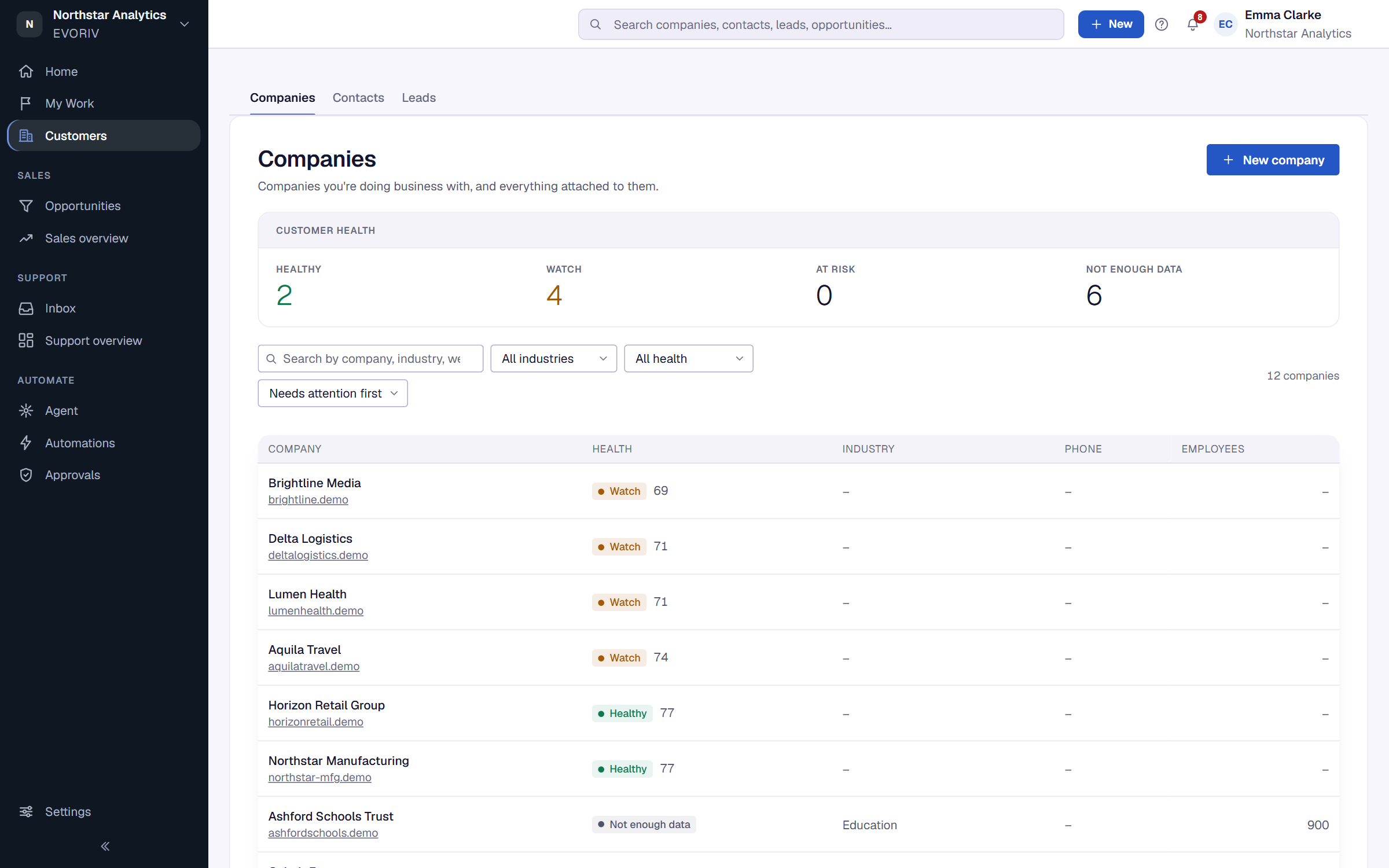
- Healthy: a score of 75 or more.
- Watch: from 50 up to 75.
- At risk: below 50.
- Not enough data: EVORIV doesn't have enough to go on yet. See Not enough data and coverage.
Admins can move the lines between the statuses. See Set up Customer Health.
The four parts
- Relationship: when you last had a meaningful interaction (a call, a meeting or a reply from the customer) and how many you had in the last 90 days. Recent contact within 14 days scores highest; it scores lower at 30, 60 and 90 days. An email you send on its own never counts.
- Commercial: business won in the last 180 or 365 days, whether an open deal has been worked on in the last 30 or 45 days, and any deal lost in the last 6 months. A customer with no open deal isn't marked down for it: that signal is simply not counted.
- Support: overdue tickets, tickets close to missing their response target, open tickets, the oldest unresolved ticket and the number of tickets in the last 30 days.
- Customer voice: the latest NPS answer from the last 365 days, the average CSAT score from the last 180 days, and negative feedback from the last 90 days.
Where you see it
- The company header: the Customer Health ring shows the score, the status and the trend over 30 days. Select it to see why.
- The Companies list: the Health column, Filter by health and the sort Needs attention first.
- The Customer Health dashboard, under Sales overview, Reports, Dashboards. See The Customer Health dashboard.
- The Customer Health block, which an admin can place on the company page with the record layout builder.
- Automations that start when Health changes. See Automations on Customer Health.