

Create and qualify a lead
Add a lead, move it through its statuses from New to Converted or Disqualified, and keep its history in one place.
A lead is someone who might buy but isn't a customer yet. Leads arrive from your forms, from imports, or you add them yourself. You find them under Customers, on the Leads tab.
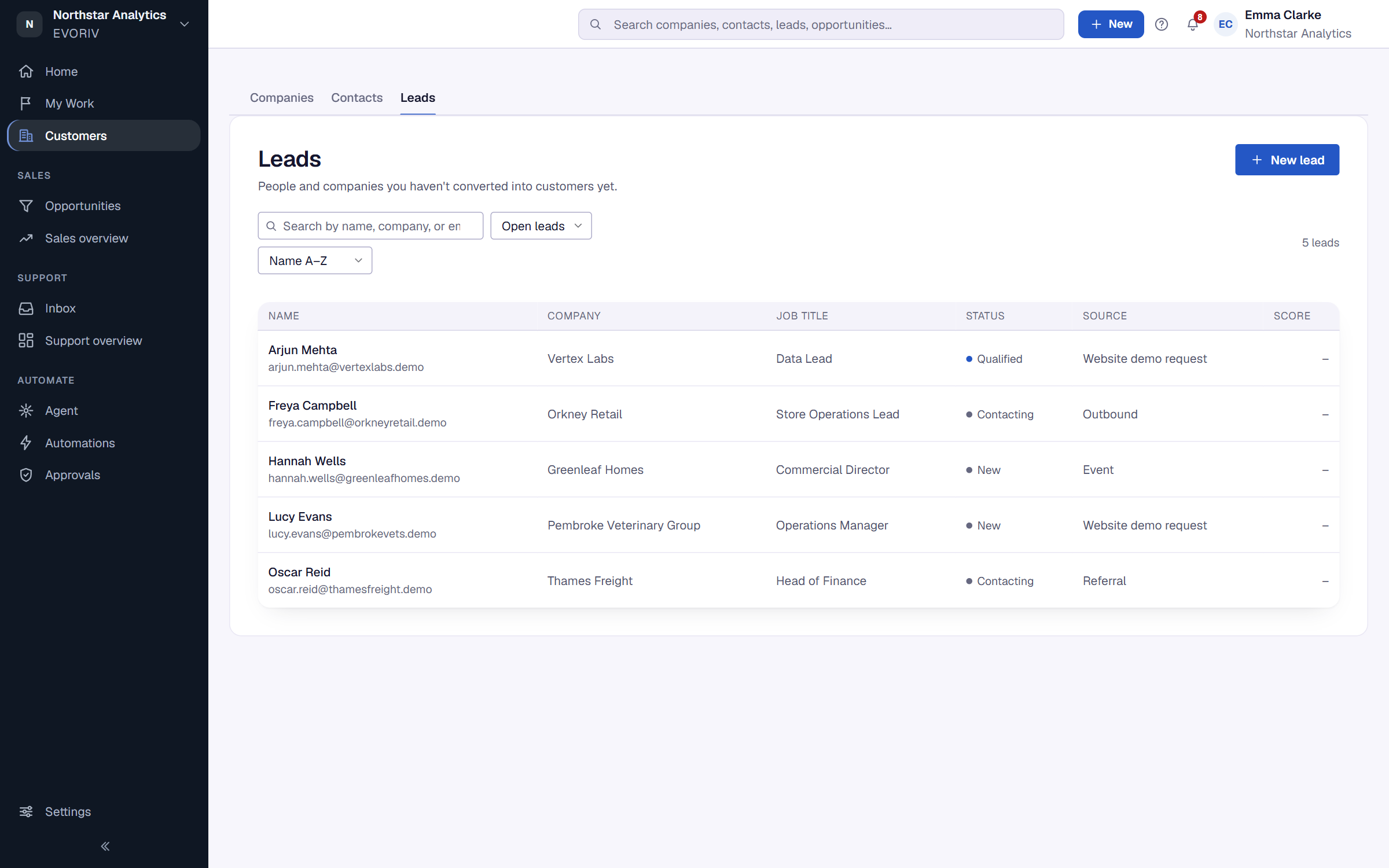
Add a lead
- Open Customers, then Leads, and select New lead. Create lead under Quick actions on Home does the same.
- Enter what you know. You can fill in the rest later.
- Save the lead.
Qualify it
A lead's status is one of New, Enriching, Ready, Contacting, Engaged, Qualified, Converted or Disqualified. Select a status on the lead's status bar to change it.
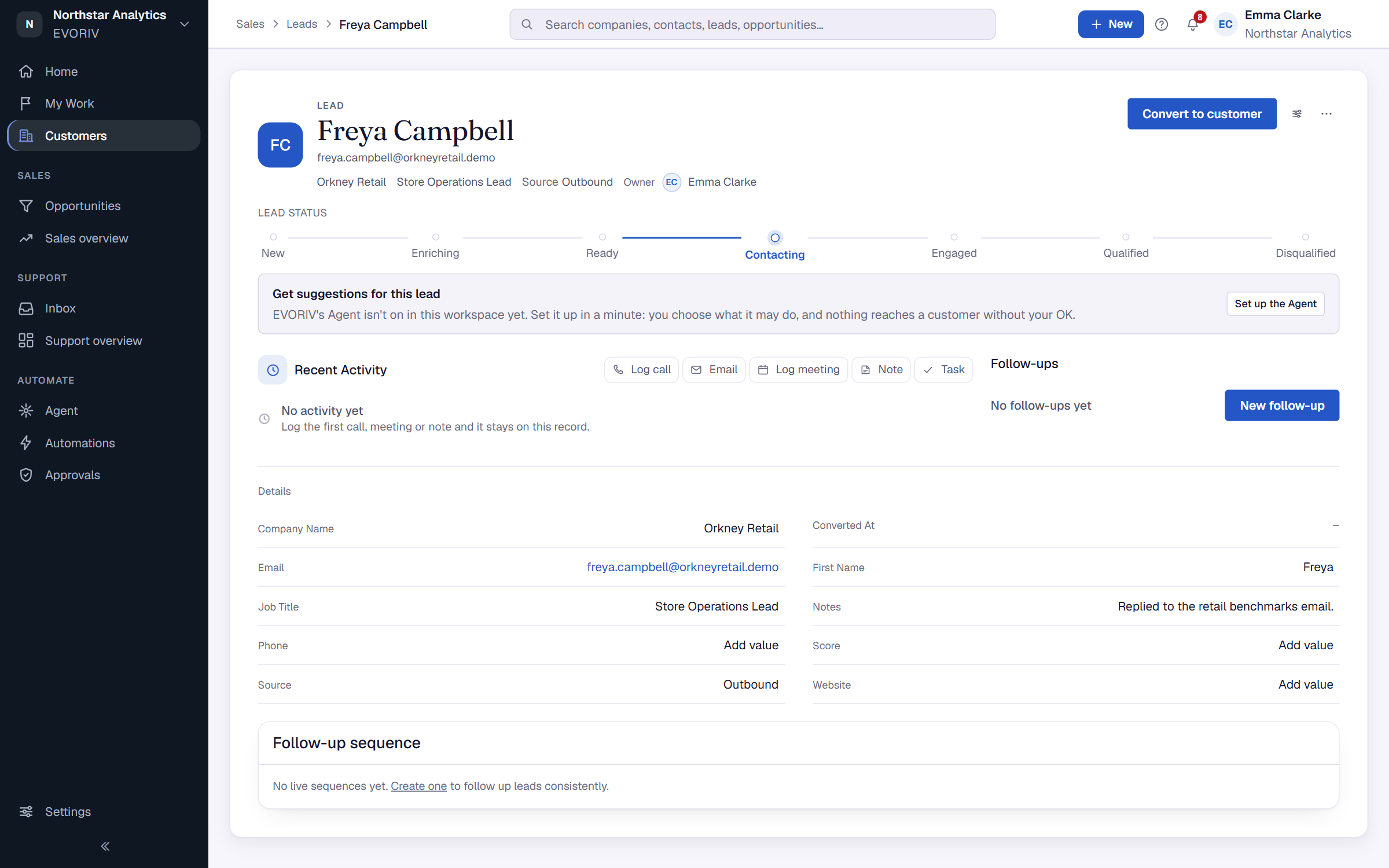
Use the action bar on the lead to Log call, Email, Log meeting, add a Note or a Task. Everything stays on the lead's history. Not sure what to do next? Select Ask EVORIV.