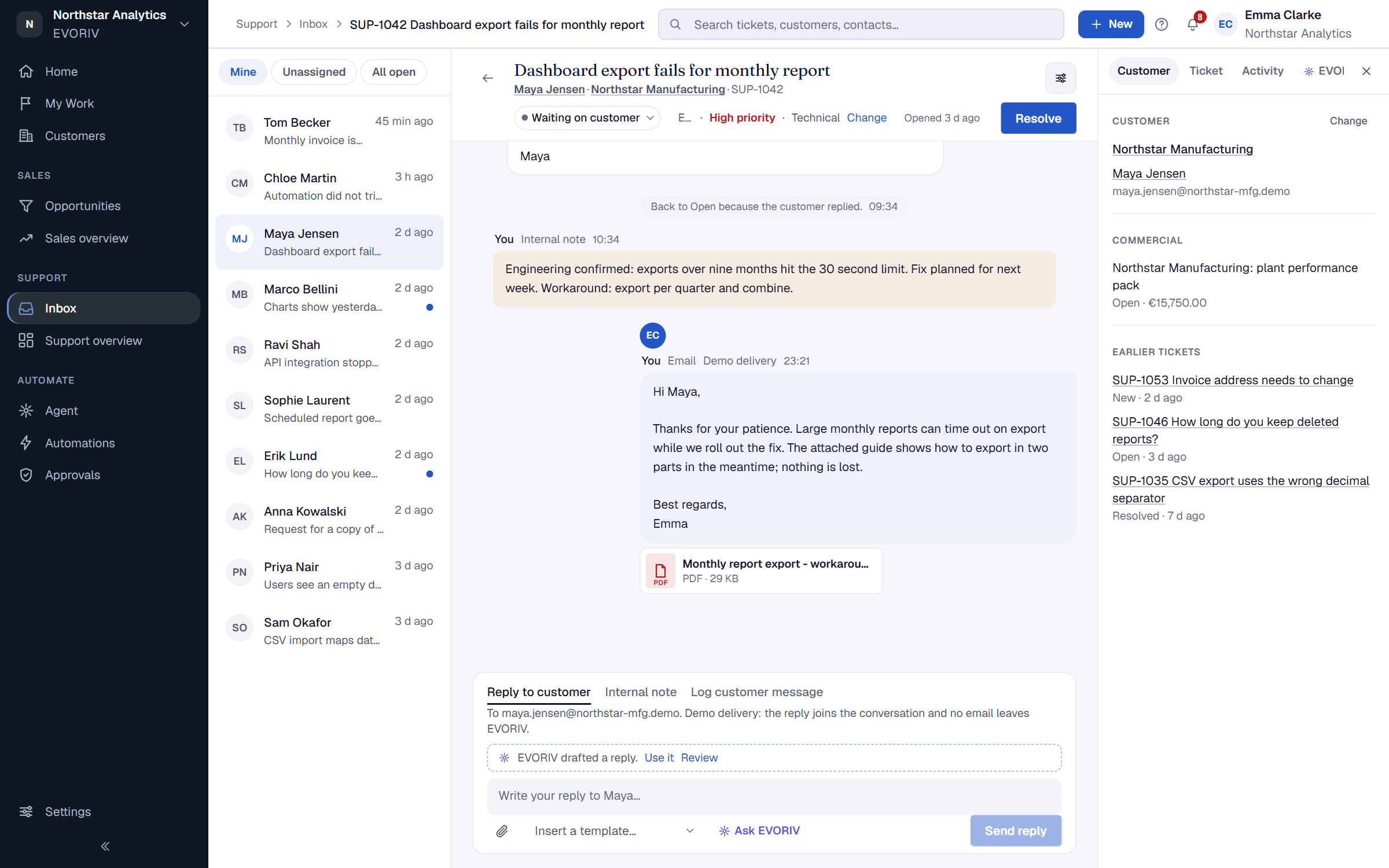
Work the Support inbox and tickets
Use the My work, Unassigned and All tickets tabs, create a ticket, and move tickets through their statuses and priorities.
Open Inbox. It has three tabs: My work, Unassigned and All tickets. Views such as Waiting too long, Overdue, High priority and Waiting on customer narrow the list further.
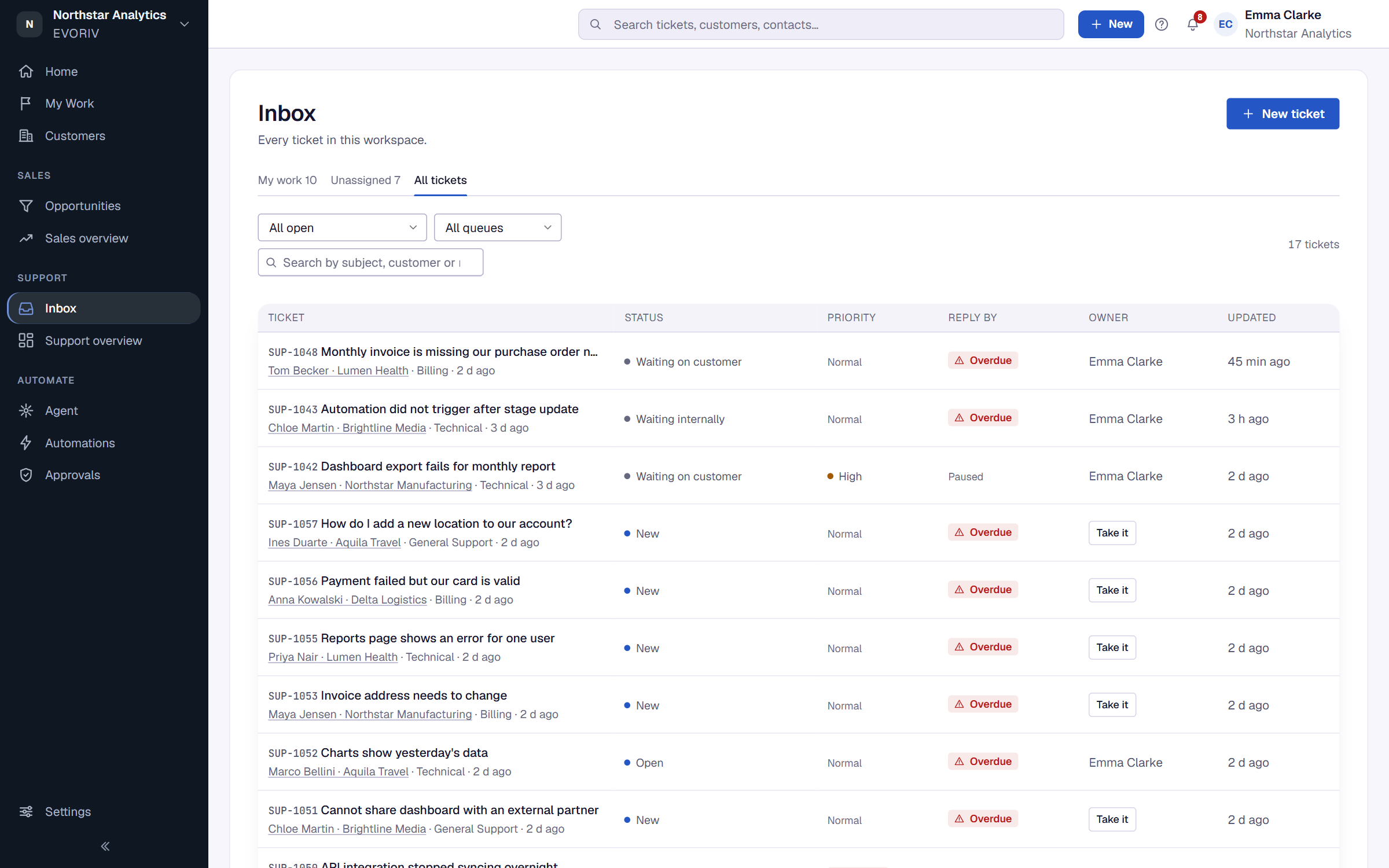
Select New ticket to add one yourself, for example after a phone call. When My work is empty, Take the next one from Unassigned picks up the next ticket.
Statuses
- New: arrived, nobody has picked it up.
- Open: someone is working on it.
- Waiting on customer: we asked the customer something. The response target pauses.
- Waiting internally: waiting on someone inside the company.
- Resolved: solved. A customer reply reopens it.
- Closed: done for good.
Admins can rename the statuses to your team's words in Support settings, on the Statuses tab. The order and what each one means stay the same.
Priority and channel
Priority is Low, Normal, High or Urgent, and sets the response targets. Each ticket also shows how it arrived: Email, Web form, In-product help or Added by the team.