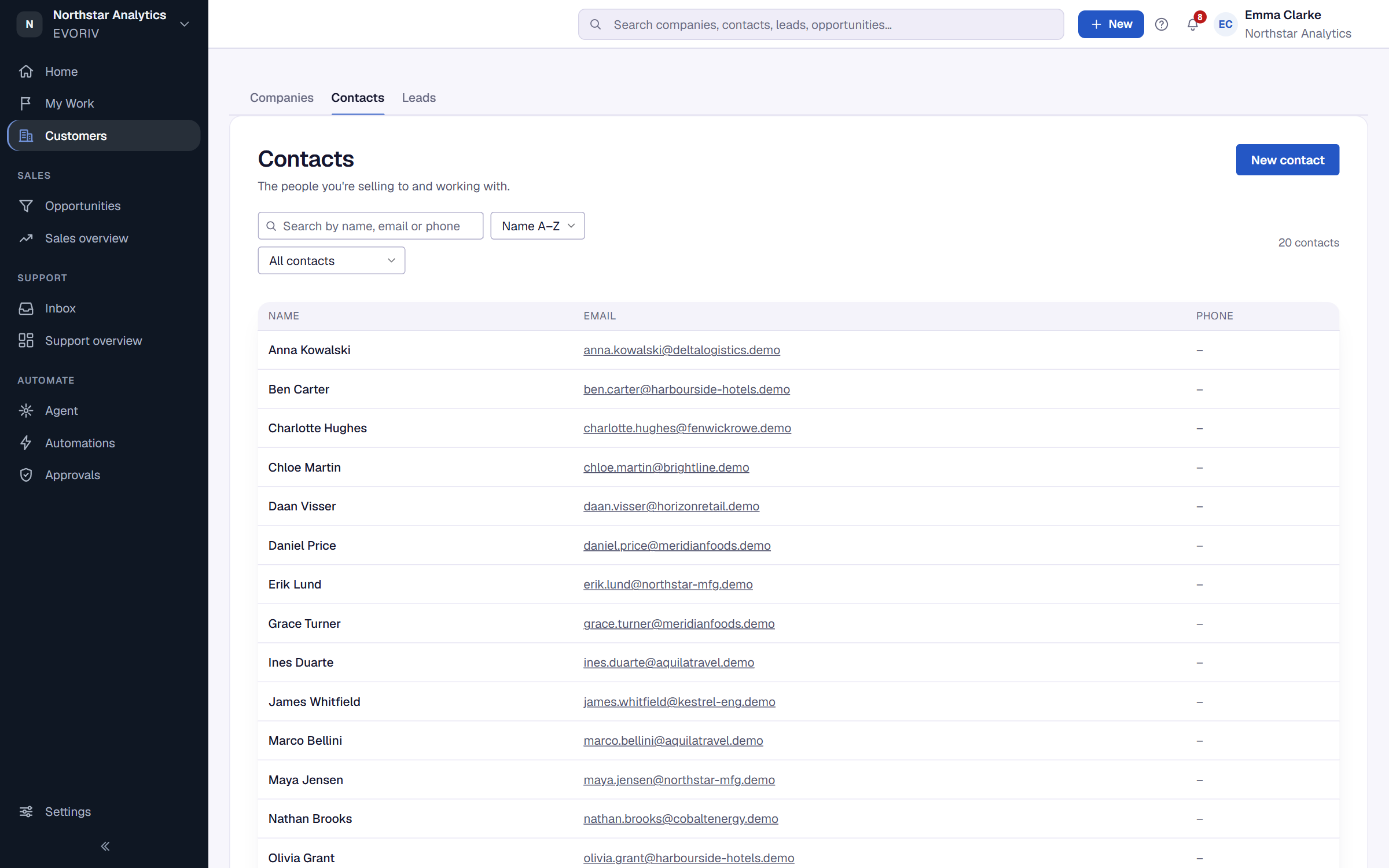
How companies and contacts fit together
A company holds its people, deals, history and Customer Health. A contact is one person at a company. Where to find both.
Open Customers in the sidebar. It has three tabs: Companies, Contacts and Leads. If your workspace uses its own words, for example Clients, the tabs use them.
Companies are the organisations you're doing business with. They are created for you when you convert a lead, or when you import the customers you already work with.
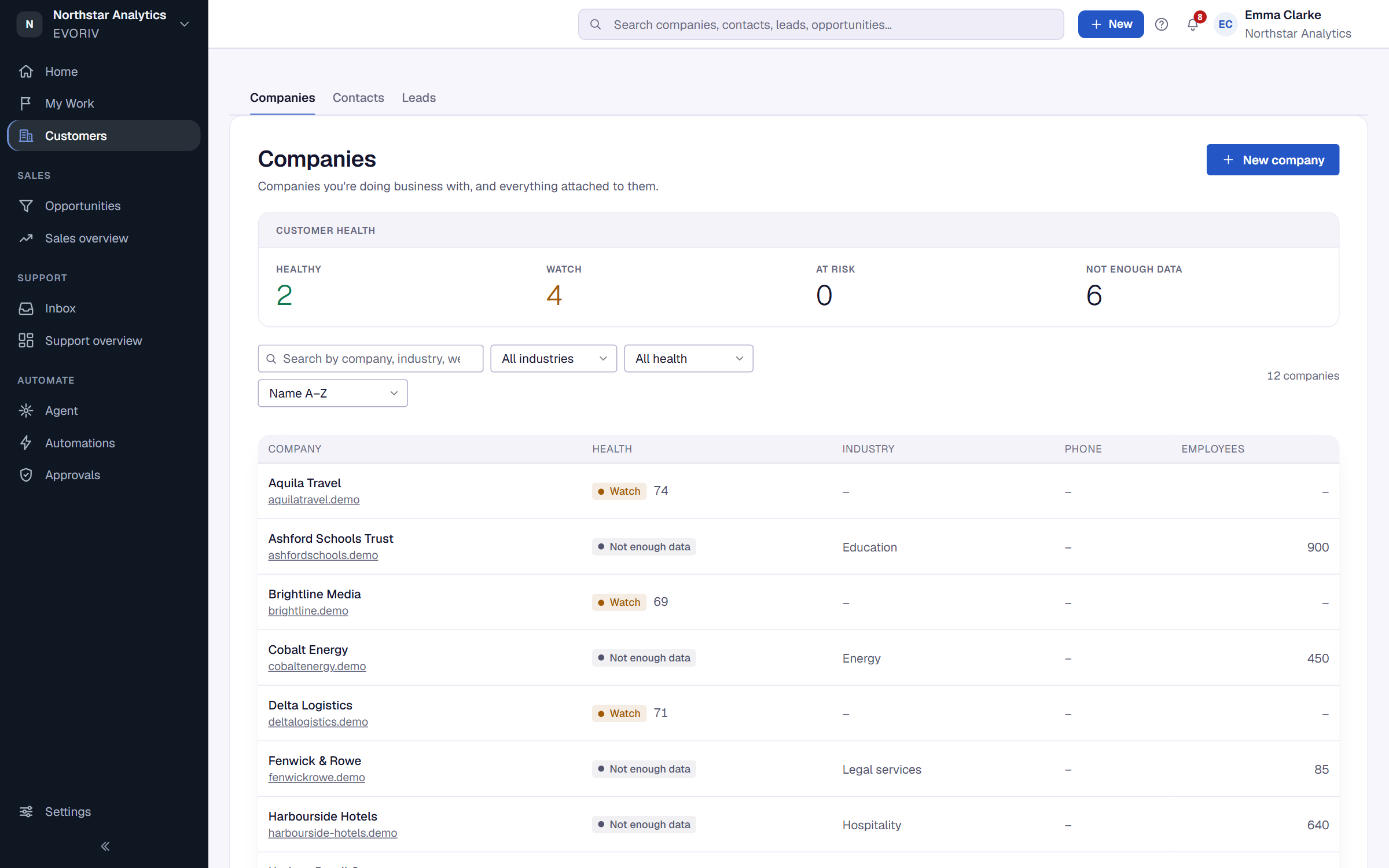
Customer Health on the Companies list
When Customer Health is on, the list shows a Health column, a Filter by health menu (At risk, Watch, Healthy or Not enough data) and the sort Needs attention first, which puts the lowest scores at the top. See What Customer Health is.
Inside a company
Open a company to see everything attached to it: its contacts, open and closed opportunities, activity and tasks. The header shows its Customer Health; select it to see why.
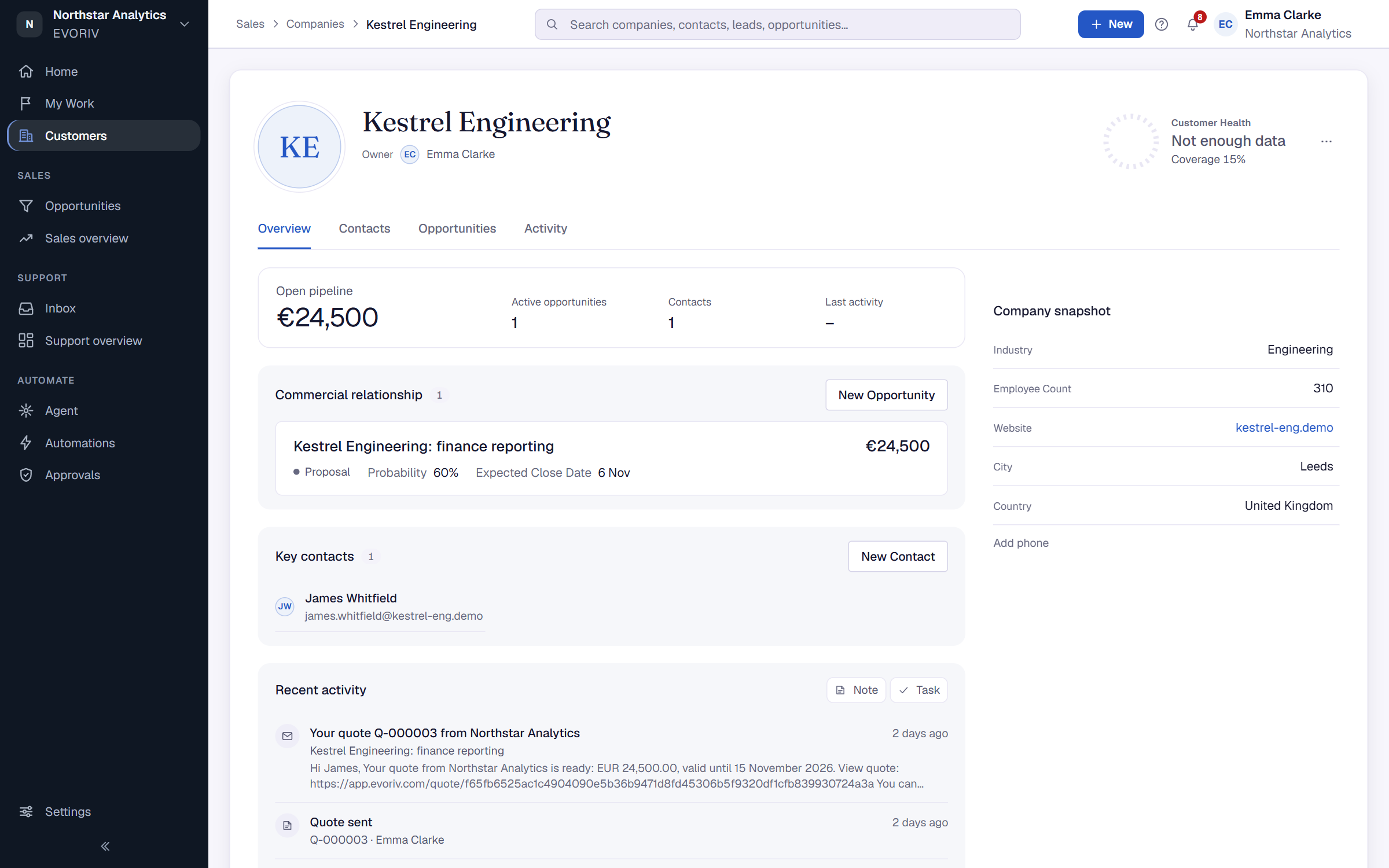
Contacts are the people you're selling to and working with. Select New contact to add one to a company.