

What EVORIV connects to, stated plainly.
EVORIV replaces several tools instead of connecting them: Sales, Support, feedback and automation work on one customer record. Where your business meets the outside world, these are the connections that exist today, and the ones that do not exist yet.
No credit card
How EVORIV fits with what you already use
Fewer tools to connect
CRM, quotes, follow-up and, with Support, the helpdesk and surveys share one record.
Your own email address
Emails, quotes and follow-ups go out from an address on your domain.
Your data comes with you
Bring CSV and Excel exports from any CRM or spreadsheet.
The connections every workspace has.
These work in every workspace today, with nothing to install.
- Send from the record and from sequences and automations, from sending addresses on your own domain. Replies come back to EVORIV
- Website forms
- Build a form, publish it as a link or embed it in your website. Each submission becomes a lead with its source and campaign
- Import
- CSV and Excel exports from another CRM or a spreadsheet, reviewed before anything is written
- Quote links
- A secure page in your branding where customers accept online, plus a PDF
- Files
- Upload agreements and documents to the company; they open in EVORIV's own viewer
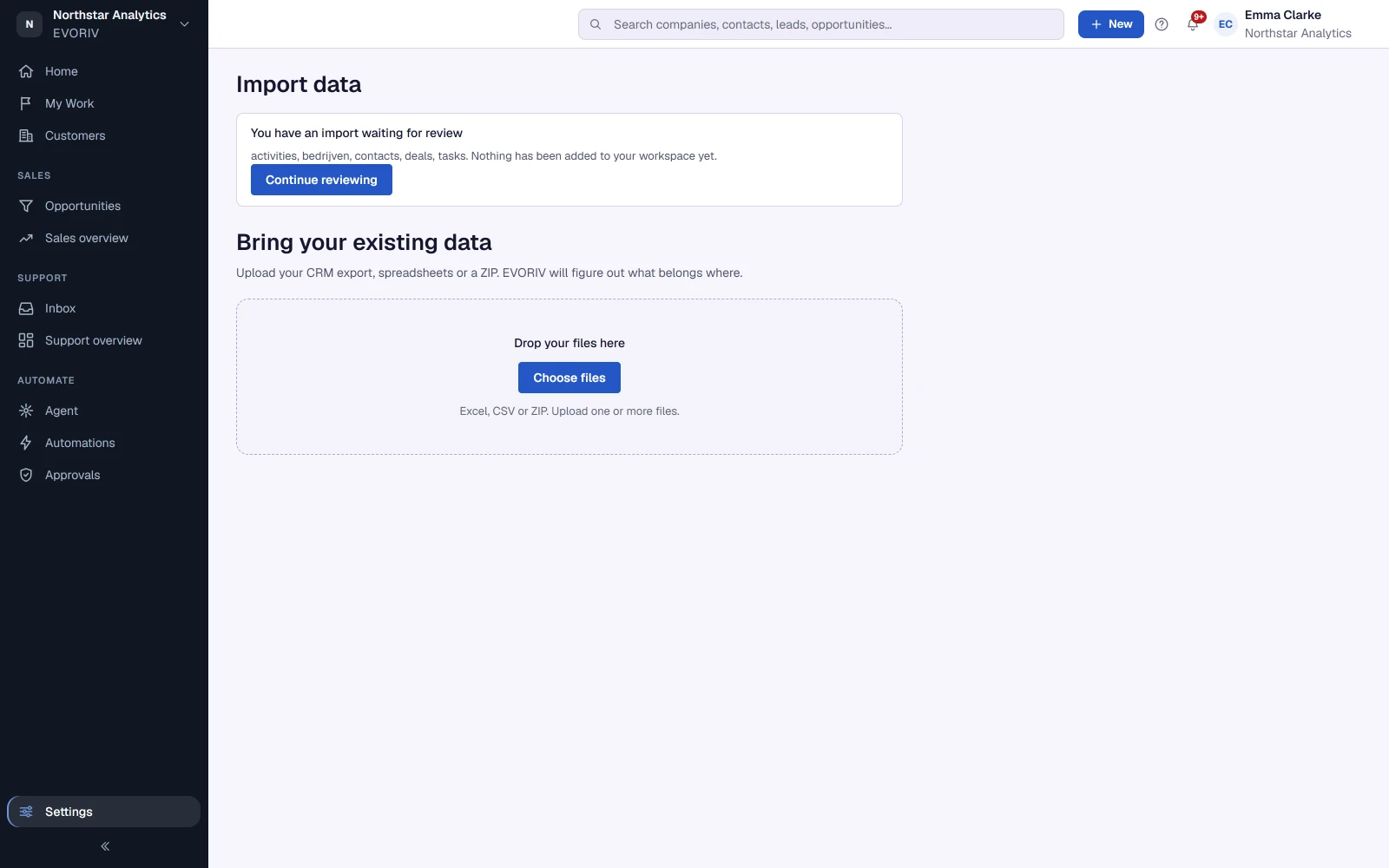
From HubSpot, Salesforce, Pipedrive or a spreadsheet.
There are no direct connectors to other CRMs. You export your data as CSV or Excel and import it; EVORIV recognises companies, contacts, deals and activities, connects them and asks only what it cannot safely work out. The Migration Academy shows step by step how to export from each system.
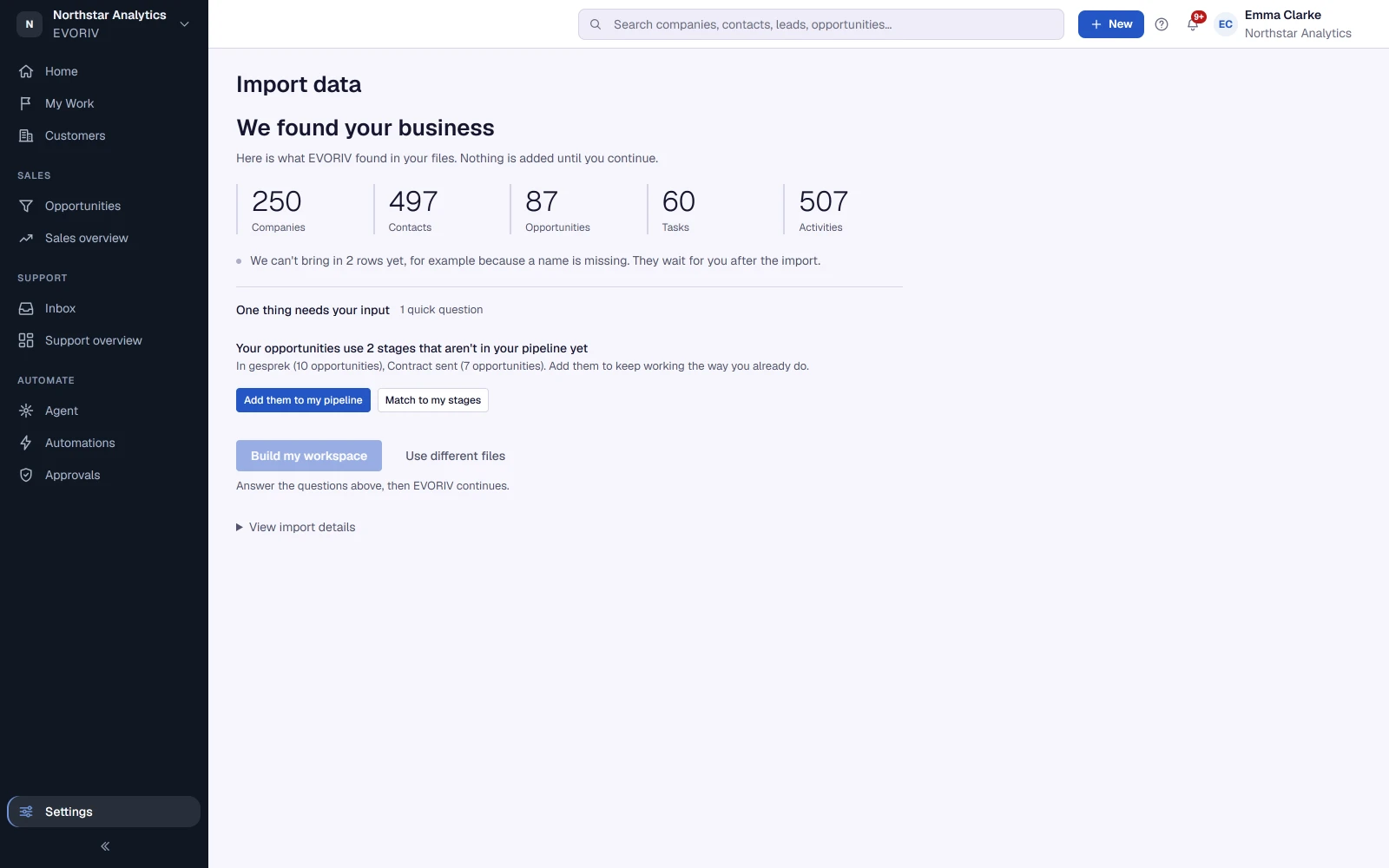
Your support address and your website.
Where Support is enabled, you keep the address customers already write to and forward it to EVORIV: every email becomes a ticket and you reply from EVORIV, with step-by-step instructions for Gmail and Outlook. A support form for your website sends requests to the same Inbox.
Support is rolling out during Early Access and is enabled on request, workspace by workspace.
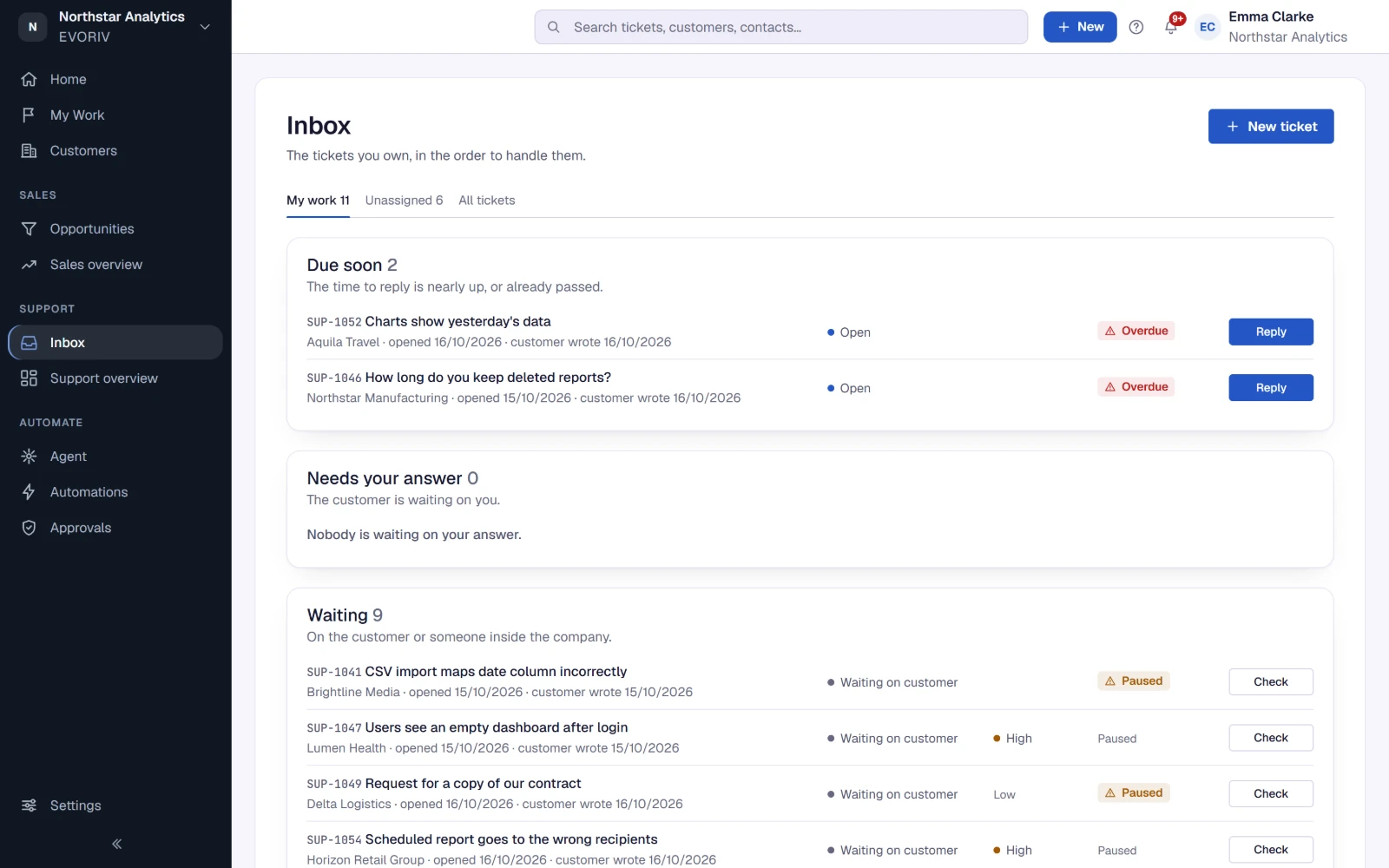
What EVORIV does not connect to today.
We would rather say it than let you find out after you switch. If one of these matters to you, tell us: it helps decide what we build next.
- Other CRMs
- No direct sync with HubSpot, Salesforce or Pipedrive; use exports
- Mailboxes
- Connecting Google or Microsoft 365 mailboxes directly comes later
- Chat and accounting
- No Slack, Teams or accounting connections
- Public API
- No public API or app marketplace yet
- Your own systems
- Sending and receiving messages from your own systems in automations is being tested with selected workspaces, not generally available
Questions about integrations
Does EVORIV integrate with HubSpot, Salesforce or Pipedrive?
Can I send email from my own domain?
Can I put an EVORIV form on my website?
Is there an API?
Related on EVORIV
Switch to EVORIV
Bring companies, contacts and deals from CSV or Excel exports, reviewed before anything is imported.
Read moreEVORIV Sales
Leads, pipeline, products, quotes and follow-up: the Business App you can start with today.
Read moreEVORIV Support
A shared inbox with the customer in view. Rolling out during Early Access, enabled on request.
Read moreReplace the tools. Keep the context.
Start with Sales today, or tell us what you need EVORIV to connect to.